How to reset autocorrect on iPhone
How to reset autocorrect on iPhone
https://www.cultofmac.com/how-to/how-to-reset-autocorrect-on-iphone
Publish Date: 2026-05-10 09:02:00
Source Domain: www.cultofmac.com
If you’ve noticed that the iPhone’s autocorrect has been especially bad over the last few months, you’re not alone. It appears that iOS 26.2 introduced a bug that made the keyboard much more frustrating to use. Luckily, the solution is simple. You can learn how to reset autocorrect on your iPhone really quickly.
First, you need to update to iOS 26.4, the release that fixed the iPhone’s autocorrect bug. Then, resetting your keyboard dictionary will get rid of any bad patterns it may have picked up since December.
Keep reading or watch our quick video.
How to reset autocorrect on iPhone
The iPhone‘s autocorrect feature is supposed to be smart. It’s supposed to be helpful. It’s not supposed to drive you half-mad by constantly changing what you’re trying to type into something else entirely.
Autocorrect builds a personal dictionary for you over time. It adds the names of your contacts, the apps on your iPhone, and other proper nouns relevant to you. If you spell and capitalize a word a specific way, it should learn that automatically.
However, autocorrect can be frustrating if it adds a last-minute typo in the split second before you send an important text or email. (See also: Unsend and edit iPhone messages after you send them.)
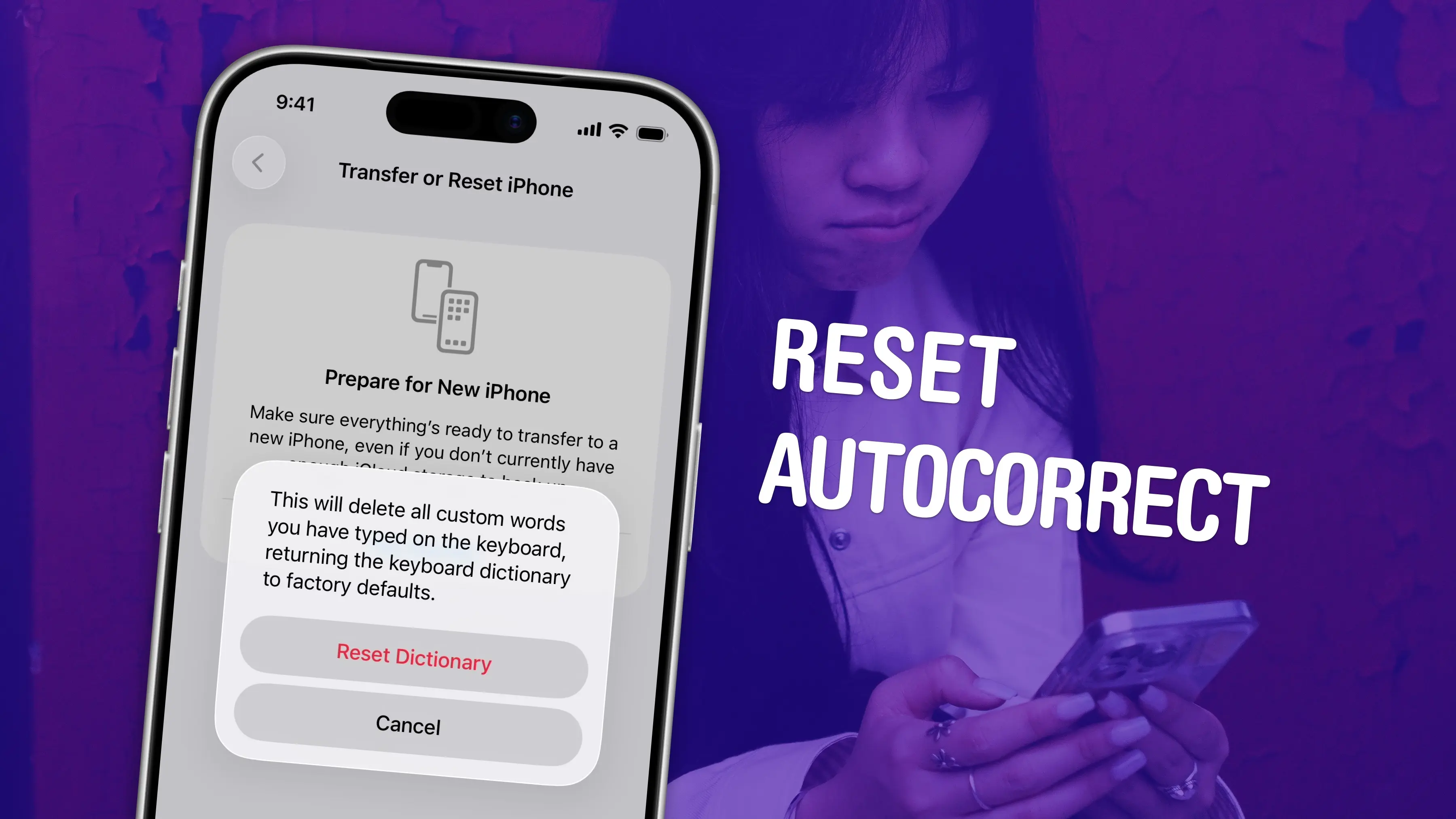
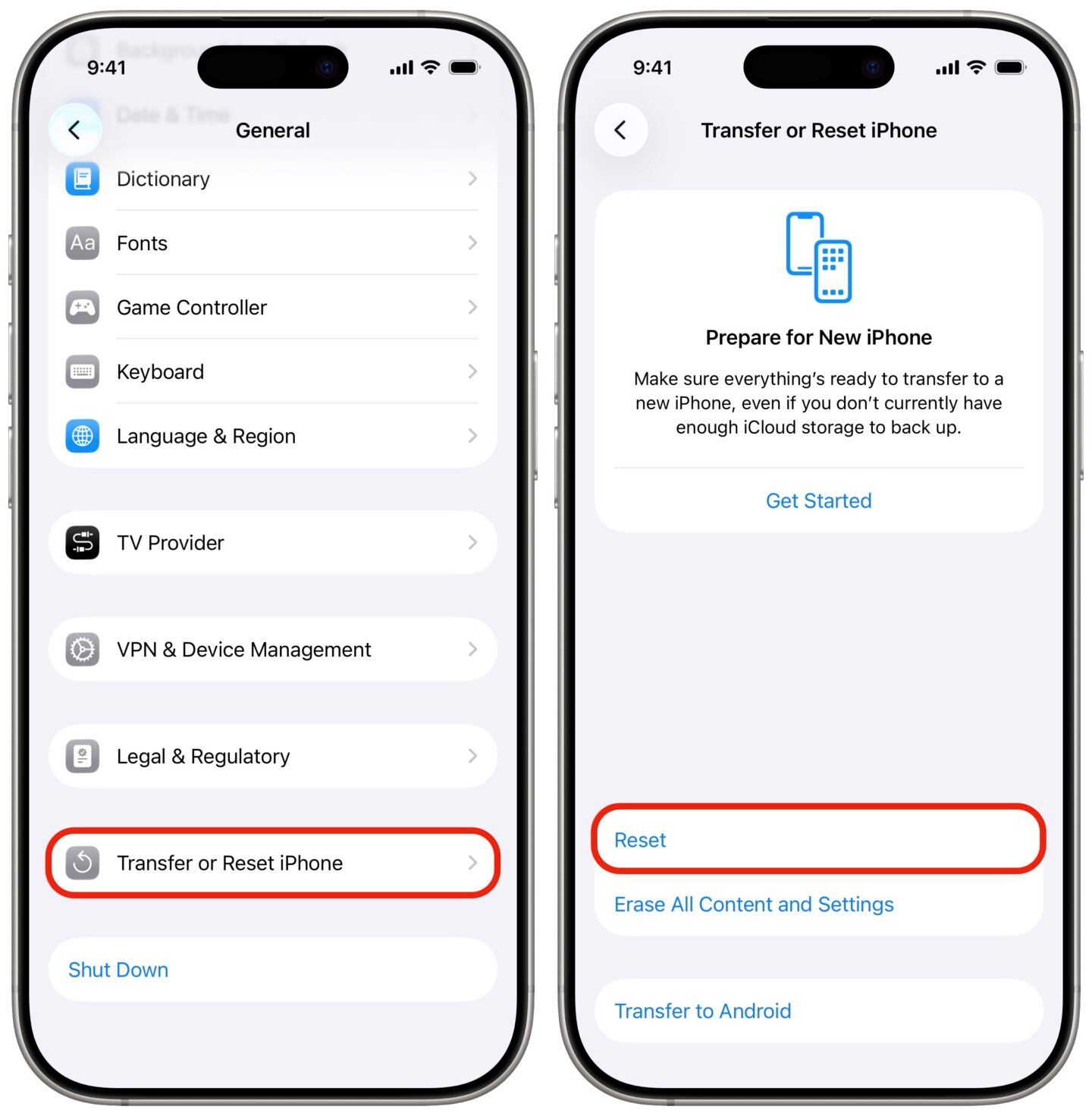
If you want to start over, and undo any weird spellings added to your custom dictionary, you can reset autocorrect on your iPhone from the Settings app.
Update to iOS 26.4
iOS 26.4 included a fix for the autocorrect problems introduced in iOS 26.2. You can install it in Settings General Software Update. It’s available for all the same devices as iOS 26.
However, updating to iOS 26.4 alone might not be enough to fix your autocorrect problems. Your iPhone might have learned some incorrect patterns while it was broken. If you’re experiencing autocorrect problems, you should reset your personal iPhone dictionary.
How to reset autocorrect in Settings
 Source