Minimalist iPhone Home Screen layout: 3 tips to make yours great
Minimalist iPhone Home Screen layout: 3 tips to make yours great
https://www.cultofmac.com/how-to/minimalist-iphone-home-screen-layout
Publish Date: 2026-05-09 09:01:00
Source Domain: www.cultofmac.com
There are two types of iPhone owners in the world: Those with a carefully manicured, minimalist Home Screen of perfectly arranged icons, and those with random icons spilled haphazardly across the screen.
If you find yourself among the latter group, you might think that it’s too late for you — that making a beautiful, aesthetic Home Screen is beyond your creative ability.
Well, cleaning up your iPhone’s Home Screen is a lot easier than clearing out your basement or organizing your kitchen junk drawer. A Home Screen that works better and looks better comes down to just a few simple tips. You can set one up in just minutes.
Here’s how.
3 tips for an awesome minimalist iPhone Home Screen layout
The Home Screen is the heart of the iPhone user interface. It’s the first thing you see when you unlock your phone.
Luckily, it’s also the most customizable part of the iPhone. You can freely place icons anywhere on the Home Screen, mix in different widgets, and theme the interface to match your wallpaper. A good Home Screen can make your iPhone a peon of efficiency. An aesthetic Home Screen can make you feel great every time you open your phone.
These are the steps you can take to make your Home Screen work better for you.
Table of contents: Make your iPhone Home Screen layout minimalist and efficient
-
- How to quickly delete your iPhone Home Screens and start over
- Don’t put icons on the top few rows
- Ergonomics and aesthetics
- Load up the screen to the left with widgets
- Try only one page of icons, without any folders
- Make sure new apps go straight to the App Library
- More tips on customizing your iPhone
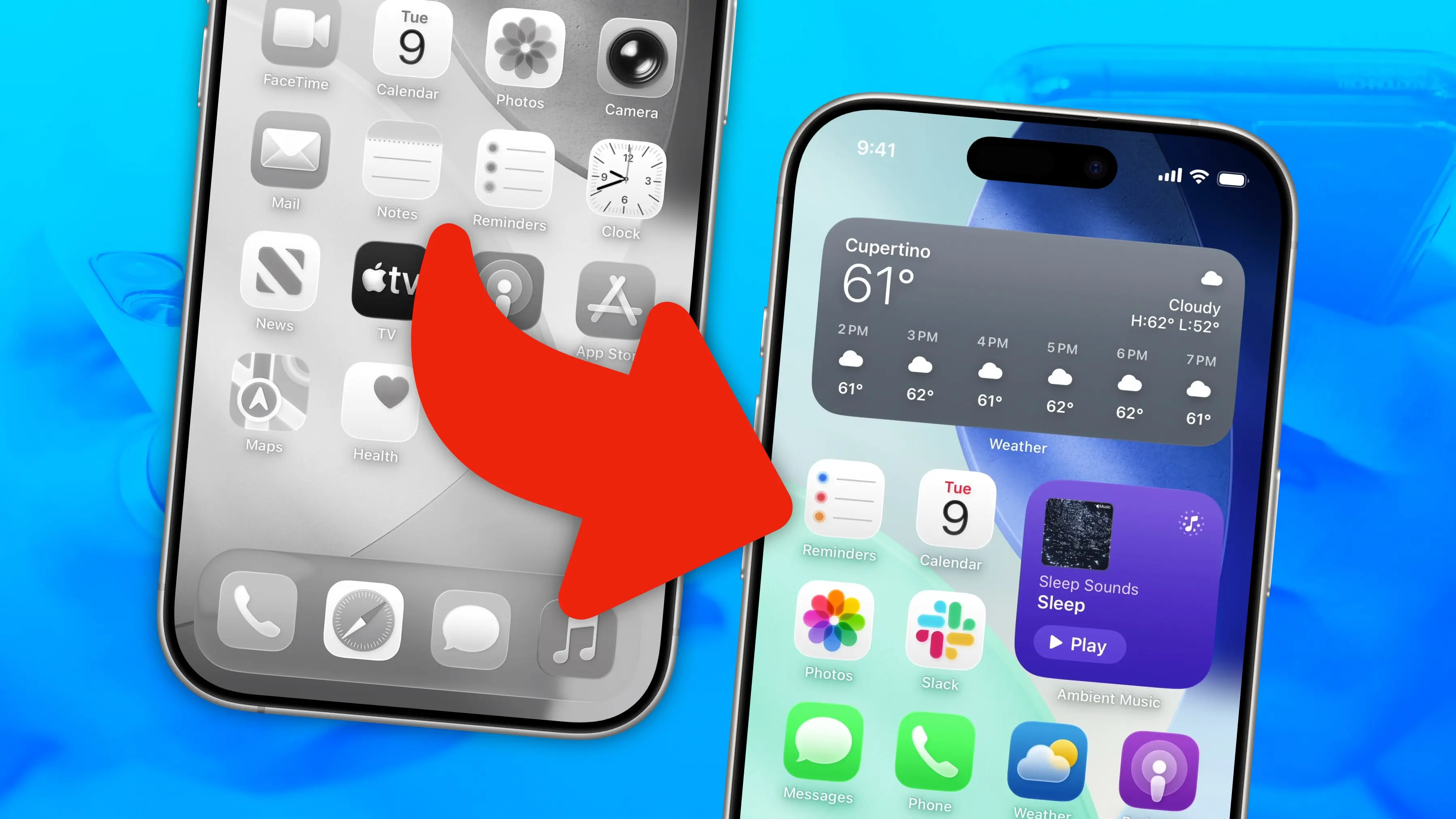
How to quickly delete your iPhone Home Screens and start over
Use this trick to quickly delete all your Home Screens.
Screenshot: D. Griffin Jones/Cult of Mac
If you’re starting with a lousy iPhone Home Screen layout, your shortest route to a minimalist winner might be to nuke the current setup. Here’s how you can quickly delete everything to…