Google Wallet’s colorful new passes UI looks nearly ready
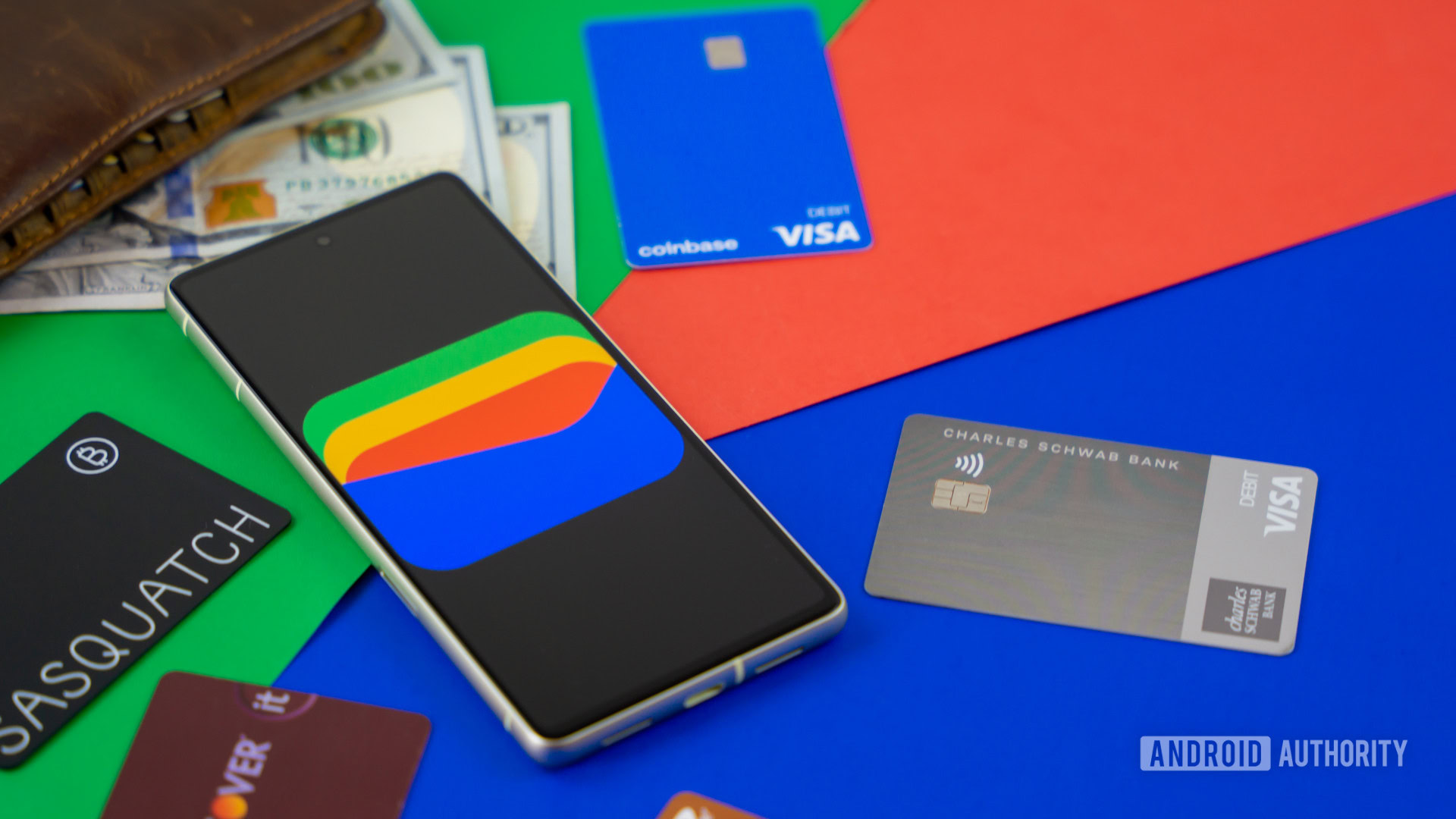
Google Wallet’s colorful new passes UI looks nearly ready
https://www.androidauthority.com/google-wallet-colorful-passes-3665121/
Publish Date: 2026-05-08 11:59:00
Source Domain: www.androidauthority.com
Edgar Cervantes / Android Authority
TL;DR
- Google’s been working on a colorful new design for the interface you see when accessing your passes.
- Compared to our first look at this refresh, Google has now added even more color, as well as sorted out some irregular screen elements.
- We’re also seeing this new look in preparation for your Play Points balance.
A bold design can go a long way towards enhancing an app’s usability. While an interface dominated by text and menus may feel like it offers the most utility, smart use of color and form can help make navigating even complicated apps feel like second nature. A little over a month ago, we took an early look at some of the ways Google Wallet was thinking about a colorful, bold upgrade for the way it worked with passes, and now we’ve got fresh progress to share.
Google Wallet already makes some good choices when it comes to color, employing it in the background for its passes UI to help all your different options stand out. You won’t see this new look in the app just yet, but in Wallet version 26.18.910990572, we’re able to get the app to give us a preview of the more detailed, more colorful changes developers have been working on:
Don’t want to miss the best from Android Authority?


Each pass is still associated with a distinct color — making them easy to recognize at a glance — but with this refresh that color is now everywhere.
Compared to when we took our first look at this redesign in late March, the interface is now much more polished, and this actually looks pretty close to being ready for introduction. The elements on each screen now transition smoothly between each other, without jarring stops or curved edges showing up where they make no sense. And they now all share the same colorful backdrop.
We also see progress on the Play Points screen:
Last time, we didn’t even have that progress bar towards your next Play Points level working, with a “Not Implemented” text box holding…

![Gemini overlay rolls out Dynamic Color, integrates ‘Screen content’ [U]](https://i0.wp.com/9to5google.com/wp-content/uploads/sites/4/2026/05/gemini-overlay-3.jpg?resize=1200%2C628&quality=82&strip=all&ssl=1 "Gemini overlay rolls out Dynamic Color, integrates ‘Screen content’ [U]")