Microsoft brings a Linux-style window trick to Windows 11 via PowerToys, and I can’t go back
Microsoft brings a Linux-style window trick to Windows 11 via PowerToys, and I can’t go back
Publish Date: 2026-04-30 23:44:00
Source Domain: www.windowslatest.com
PowerToys adds Grab And Move and Power Display
Microsoft’s PowerToys development team has a habit of bringing features to Windows that I never thought I needed, but once I use them, I just can’t seem to go on without them. The latest v0.99 release of PowerToys introduces a couple of such features called Grab And Move and Power Display, along with some improvements to the brilliant Command Palette Dock.
Grab And Move is a tool in PowerToys that lets you move and resize windows from any part of the window. As a long-time Windows user, I’m used to the inconvenience of looking for the title bar to move an app window and the edge of a window to resize it.
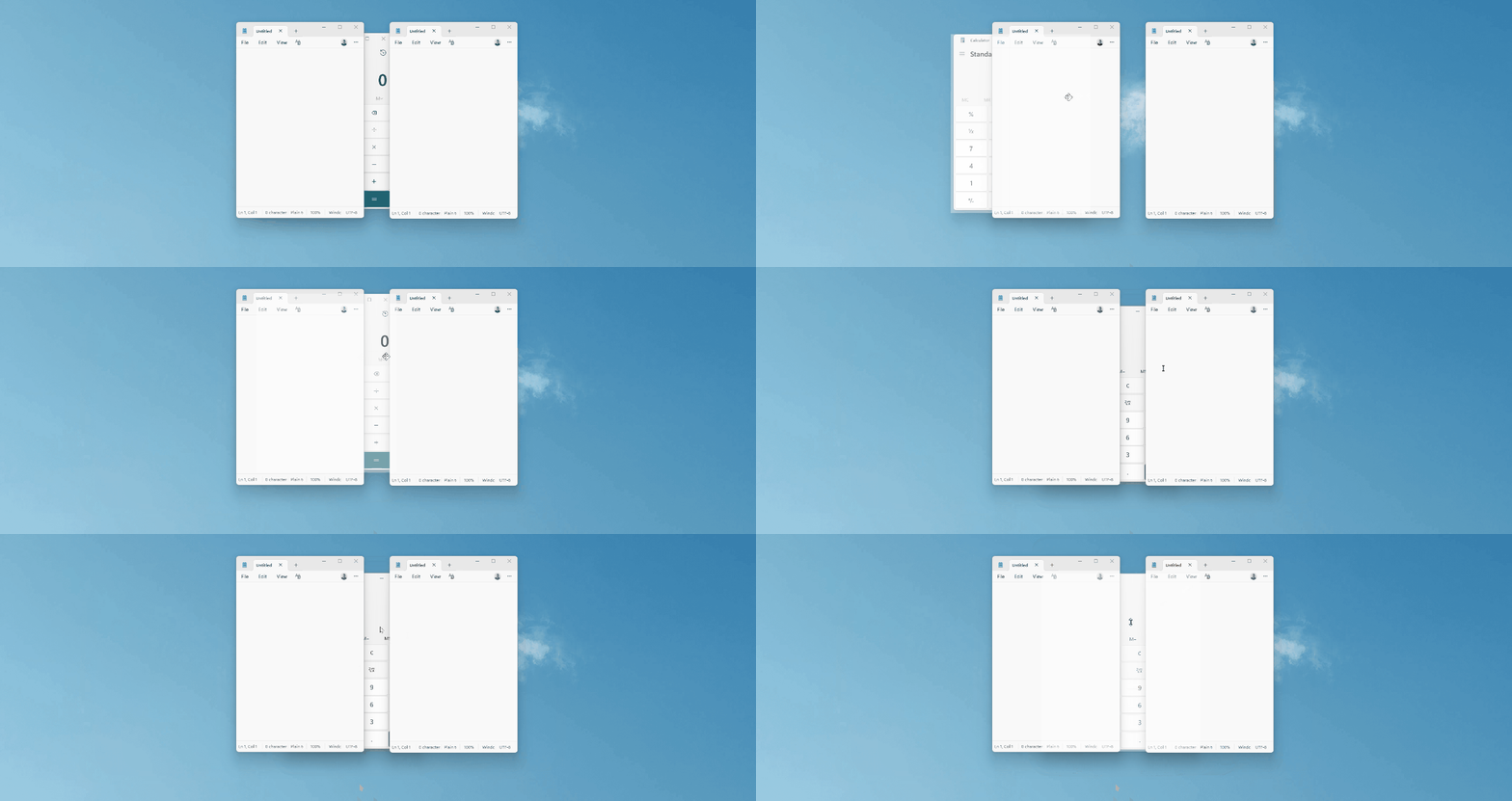
But if you’re in the Linux desktop environments (like GNOME, KDE Plasma, and Xfce), this might be second nature for you. And the lack of it in Windows would likely make you frustrated if you have to use the OS again. Fortunately, PowerToys was kind enough to bring over that feature to Windows 11.
Another new feature in PowerToys, which I don’t know why I was alright not having it already, is Power Display, which provides a single interface to control display settings, like brightness, across multiple monitors. It launches at the same place as Quick Settings and has the same UI.
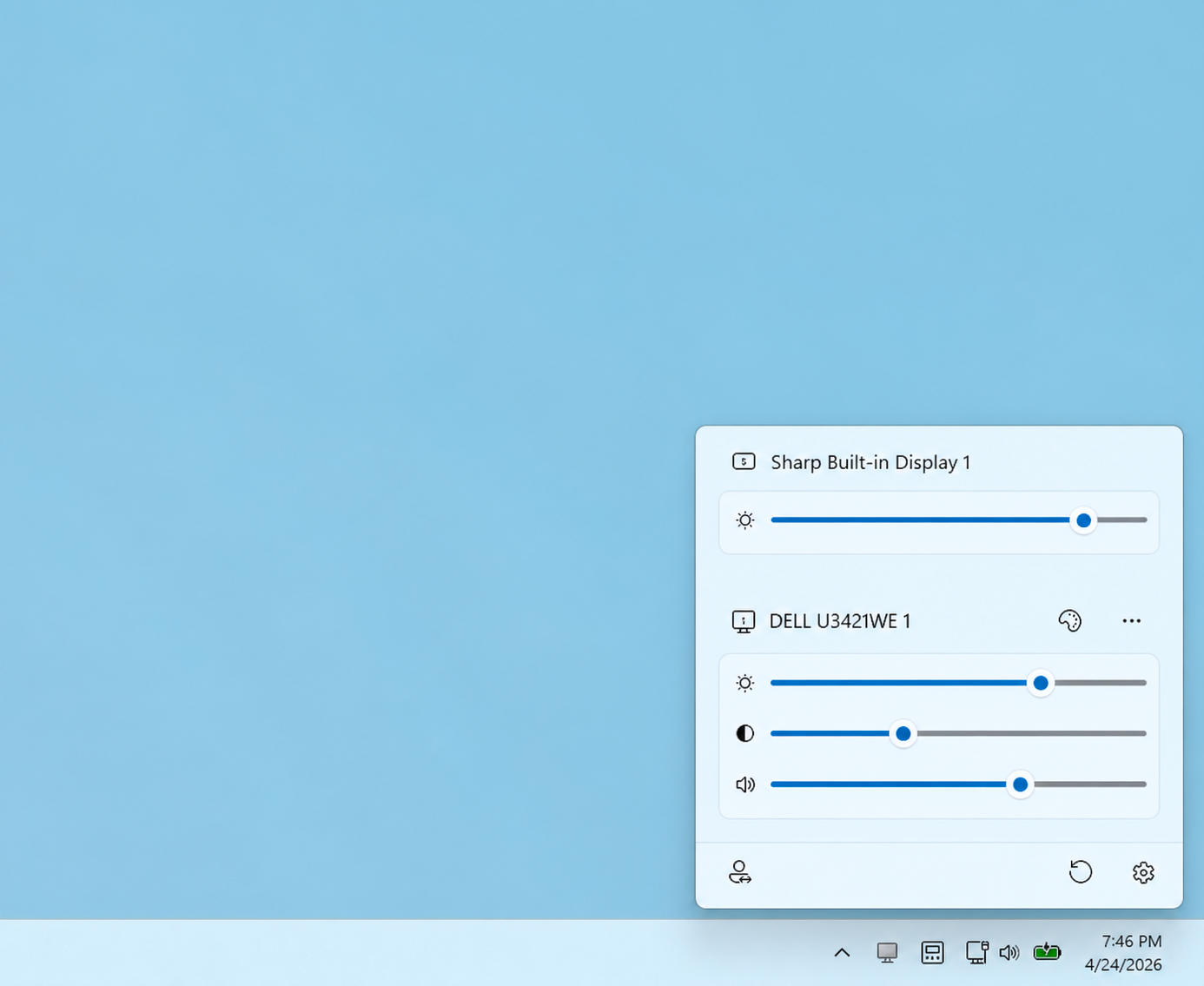
After testing both these features, I feel there is no reason for Windows not to have them by default.
Grab And Move utility in PowerToys makes window management a breeze
Grab And Move works by letting you move a window by holding Alt and simply dragging anywhere on the window. No need to take the pointer to the title bar every time you want to move a window.
Right off the bat, in the Grab and Move settings page, there is a warning that says the feature won’t work reliably with some touchpads, which is fine since regular resizing and moving windows is better with a mouse than with touchpads.
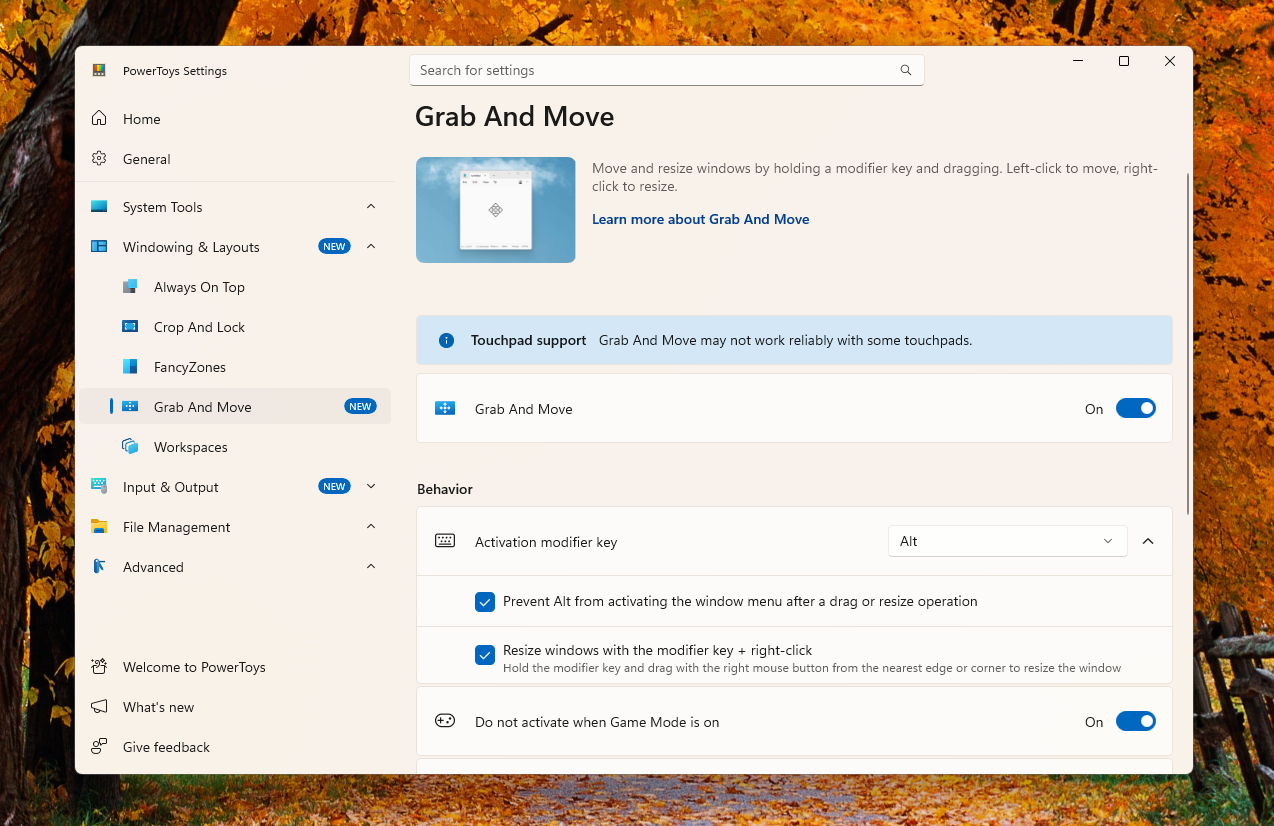
However, I tried Grab And Move with both my mouse and touchpad, and it seems to work fine on my PC. Left-clicking…


