Stop swiping away Android notifications — there’s a smarter way to deal with them
Stop swiping away Android notifications — there’s a smarter way to deal with them
https://www.makeuseof.com/stop-swiping-away-android-notifications-smarter-way-to-deal/
Publish Date: 2026-04-26 18:01:00
Source Domain: www.makeuseof.com
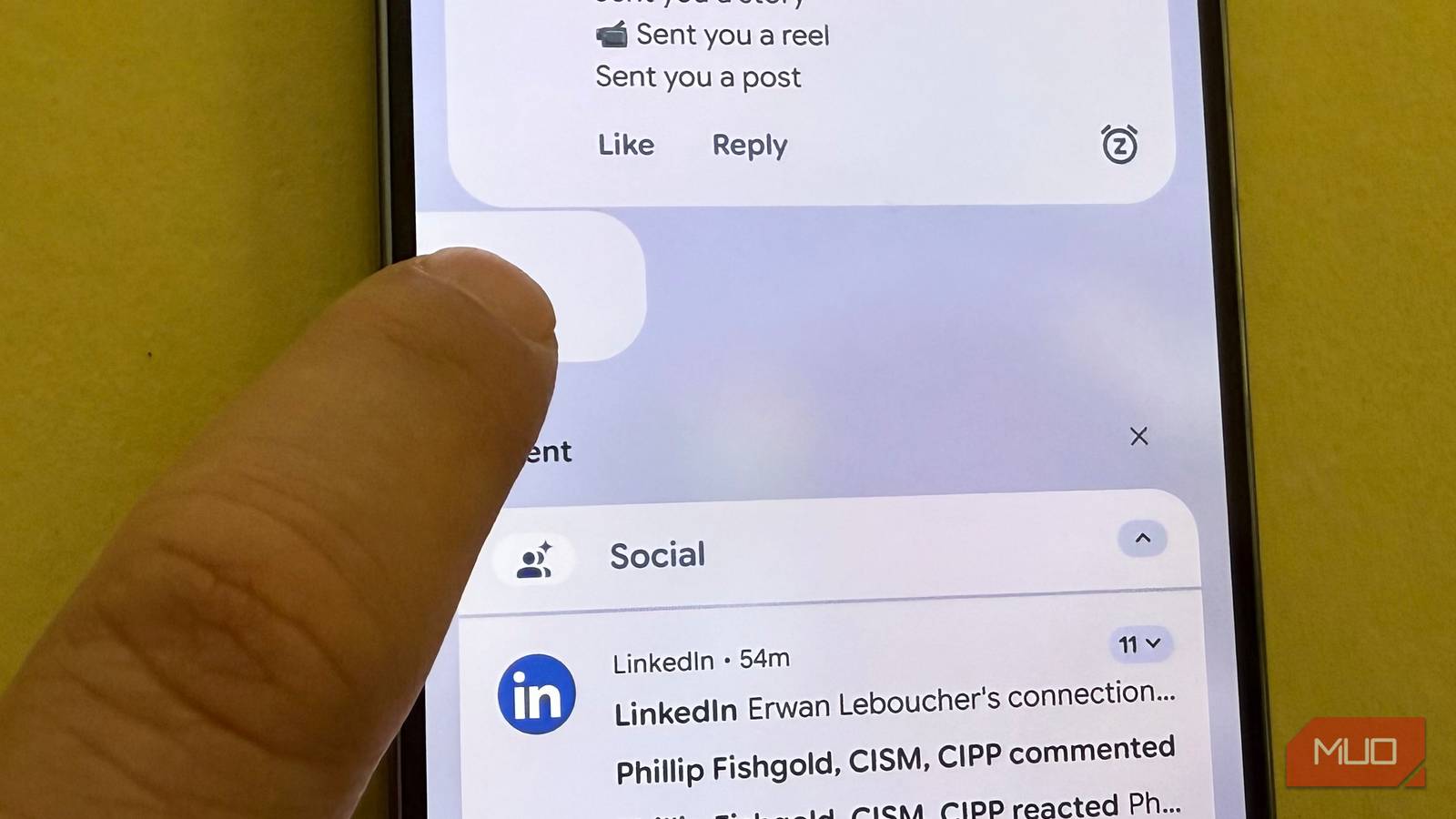
I used to default to swiping away all of my notifications on Android, almost as if there was some virtue in achieving “notification zero” much like inbox zero. But Android has several tools to handle notifications (including new Enhanced Notifications on the Pixel) so that you don’t have to always swipe them away: you can have important ones go away for now, but come back later with notification snoozing, which is off by default. Not only that, but if you swipe away an important notification you want to go back to, you can turn on notification history, which lets you easily revisit notifications you swiped away. Again, this is off by default, but I’ll show you how to enable both of these features.
This idea of better managing notifications also has to do with maintaining your peace of mind by having a pull relationship with your notifications so that you only allow a limited number of notifications to bother you (those are “push”) versus situations where you want to deal with apps only when you’re ready (those are “pull”).
Related
8 Android Features I Wish I Knew Sooner
I’ve been missing out, maybe you have, too.
…
Source

![Gemini overlay rolls out Dynamic Color, integrates ‘Screen content’ [U]](https://i0.wp.com/9to5google.com/wp-content/uploads/sites/4/2026/05/gemini-overlay-3.jpg?resize=1200%2C628&quality=82&strip=all&ssl=1 "Gemini overlay rolls out Dynamic Color, integrates ‘Screen content’ [U]")