There’s a Linux command that shows you exactly what any running process is doing
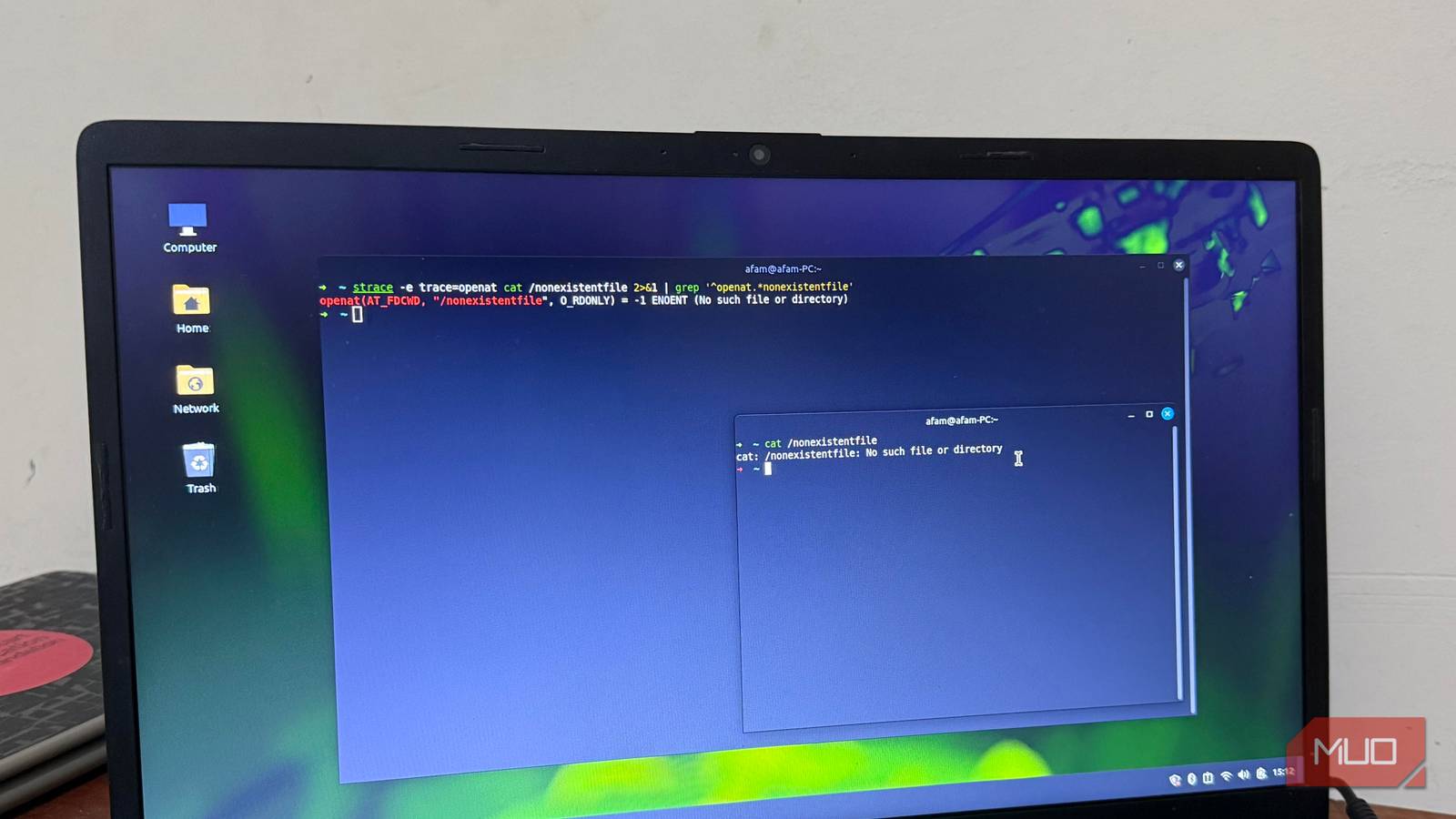
There’s a Linux command that shows you exactly what any running process is doing
https://www.makeuseof.com/linux-command-shows-you-exactly-what-any-running-process-is-doing/
Publish Date: 2026-04-25 18:00:00
Source Domain: www.makeuseof.com
I have noticed from experience that when my Linux programs fail, it’s often a subtle event that can leave you confused or unsure of what actually went wrong. When I have fallen back to top, htop, or even the more preferred iotop, the best I get is data relating to CPU and memory usage, with no real insight into what the failing process is actually doing.
At such times, it’s not enough to know that something is wrong. I usually want to see why. The strace -p command has made a real difference. Once I attach it to a running process, it shows every call that process makes.
See what a process is doing in real time
Attaching strace and reading the first lines of output
If you really need to understand strace, you just have to use it. It’s an observability tool, but quite different from inotifywait. Attach it to a running process using this format: sudo strace -p . And if you don’t have the PID, any of the commands below will help you find it. I use Firefox in the examples:
pidof firefox
pgrep -a firefox
ps aux | grep firefox
The strace -p command almost instantly starts to produce results, and running it on an actual Firefox process can produce this result:
epoll_wait(5, [], 1024, 999) = 0
futex(0x7f3a2c0, FUTEX_WAIT, 1, NULL) = 0
openat(AT_FDCWD, “/proc/self/maps”, O_RDONLY) = 7
read(7, “…”, 4096) = 4096
Each line shows a call name first, then its arguments, and finally a return value. The lines represent requests Firefox makes to the kernel. From the above result, here’s what I deduce:
- epoll_wait(…) = 0: The process is waiting for an event, but nothing has arrived.
- futex(…) = 0: The process is coordinating between threads.
- …