These four iPhones are rumored not to be getting iOS 27 and Siri 2.0
These four iPhones are rumored not to be getting iOS 27 and Siri 2.0
https://www.phonearena.com/news/rumor-says-these-four-iphones-will-not-get-ios-27_id179790
Publish Date: 2026-04-20 18:04:00
Source Domain: www.phonearena.com
June 8th is the day that iPhone users will have some questions answered. On that Monday, Apple will kick off WWDC 2026, and we expect to learn all about Siri 2.0 during the keynote address, which typically starts at 10 AM PDT (1 PM EDT).
Which iPhone models received iOS 26 but will not get iOS 27?
Immediately following the keynote, Apple traditionally releases the first Beta version of the next iOS build. It makes sense that almost immediately after hearing about the improvements made to Apple’s digital assistant, those willing to accept the risks of running the first iOS 27 Beta get to try them out.
Last year, Apple cut off iOS support for three models:
- iPhone XS
- iPhone XS Max
- iPhone XR
All three models were released in 2018, powered by the A12 Bionic application processor (AP). So which iPhone models will be cut off this year? This is important because the iPhone models losing iOS support this year will not receive the Siri 2.0 changes.
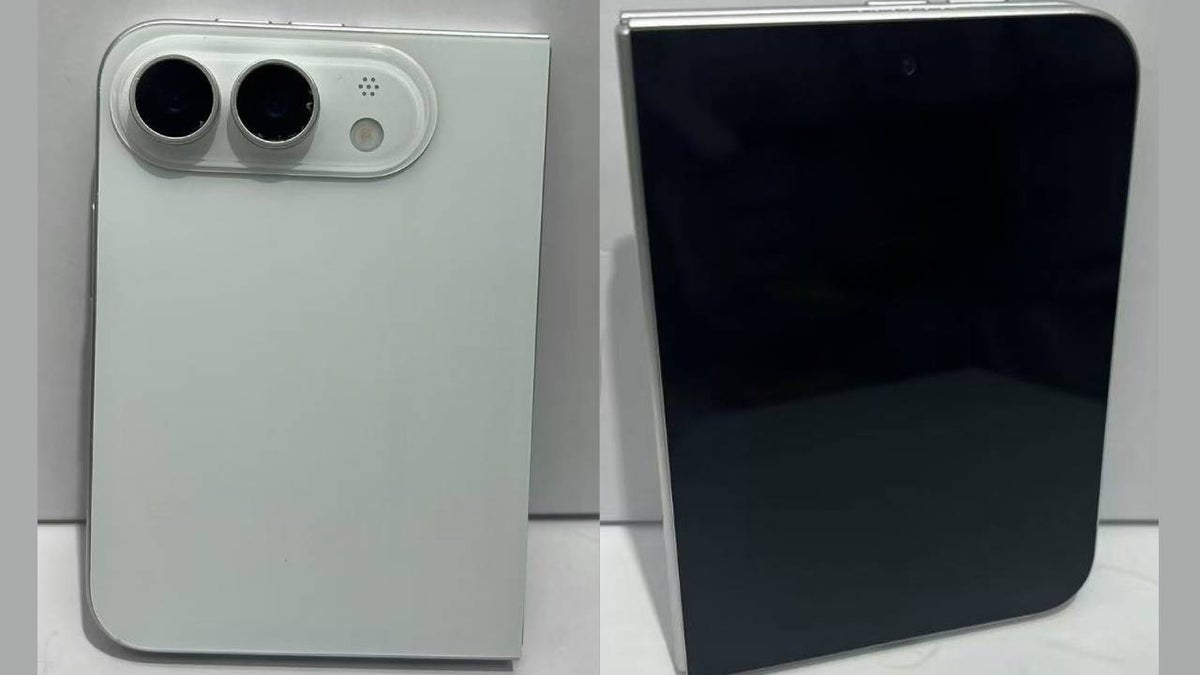
To this list we can add the iPhone 18 Pro, iPhone 18 Pro Max, and the iPhone Fold/Ultra, which will all launch with iOS 27 pre-installed. If this list is legitimate, the iPhone models that received iOS 26 but will not get iOS 27 are the iPhone SE (2nd Generation), the iPhone 11, the iPhone 11 Pro, and the iPhone 11 Pro Max. All of these phones are powered by the A13 Bionic AP.
Some of the new abilities Siri will have with the release of iOS 27
If you have one of these iPhones and were hoping to get the new version of Siri, you might want to consider upgrading to a more recent iPhone model. With the update, Siri will know what you see on the iPhone’s screen.
If you’re looking at a specific photo from the Photos app you will be able to tell Siri, “email this to Reggie,” and it will be done. You’ll also be able to look at a photo and say, “Make this look like a sketch,” and Siri will take care of it.
More “Personal Siri” is coming in iOS 27
When Apple first introduced the so-called “More…