This overhyped iPhone feature was eating up all my storage (so I gave it the boot)
This overhyped iPhone feature was eating up all my storage (so I gave it the boot)
https://www.pocket-lint.com/how-to-disable-offline-apple-intelligence-models-iphone/
Publish Date: 2026-03-30 16:26:00
Source Domain: www.pocket-lint.com
Say what you will about Apple’s arguably botched initial foray into the world of AI, but it’s clear that the company is continuing to take its Apple Intelligence initiative seriously. While we’re still waiting for the revamped large language model (LLM)-powered Siri reboot to hit our iDevices, Apple’s AI suite does offer utilities in the form of Writing Tools, Genmoji, Image Playground, Clean Up in Photos, notification summaries, and even native ChatGPT integration.
Of course, not everyone wants to make use of AI-powered feature sets, especially considering the fact that they consume internal storage capacity via their reliance on local models. Thankfully, in the same vein as removing Gemini models from your Google Pixel phone, it’s entirely possible to purge your iPhone of its downloaded Apple Intelligence models, too.
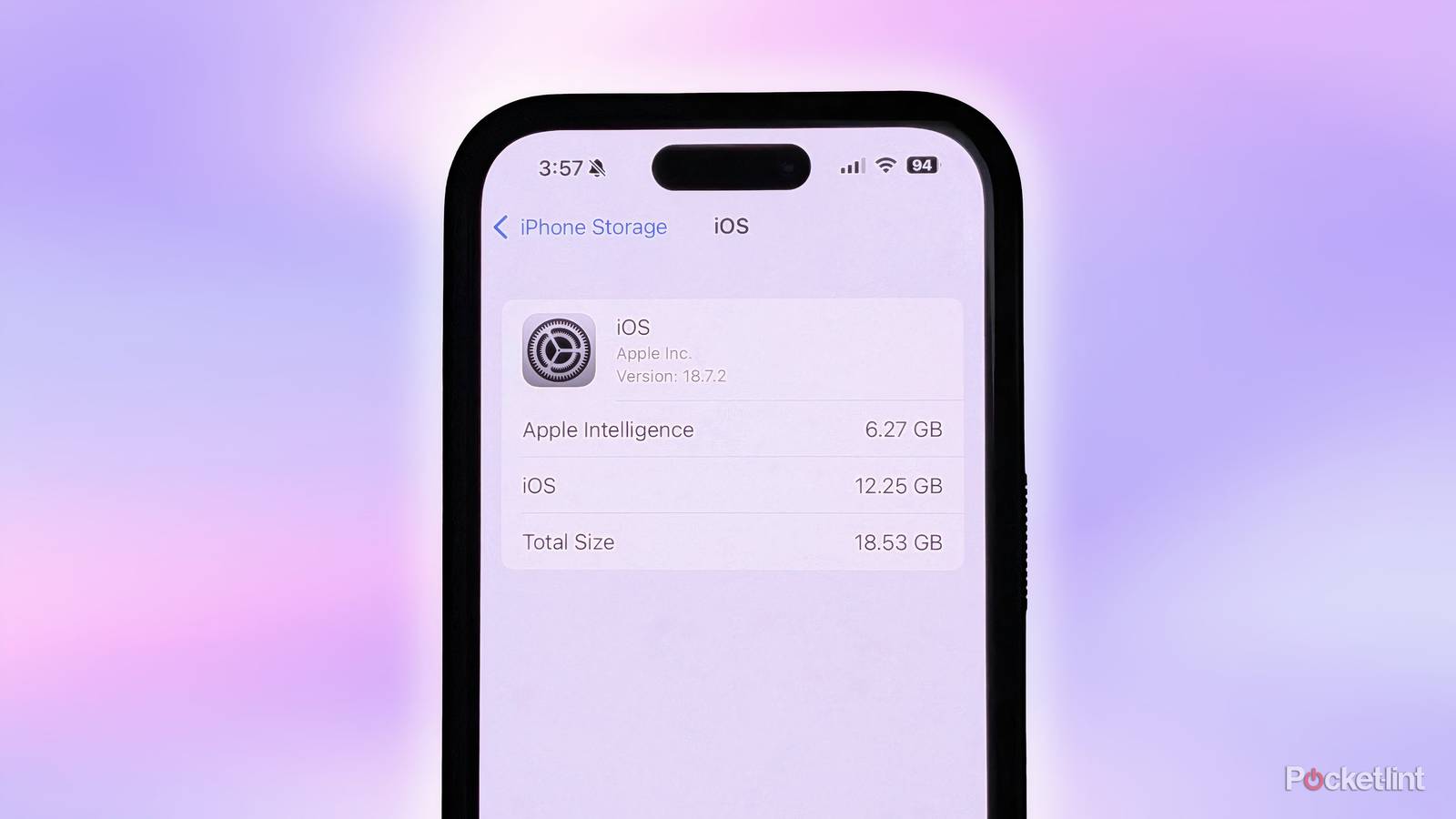
In deleting these on-device AI models, you stand to gain well over 5GB of storage space on your iPhone. As time marches on, I expect on-device models to only increase in size and scope, meaning that Apple Intelligence could eventually consume even more of your capacity. At the time of writing, I was able to reclaim a total of 6.27GB of space — that’s quite a return on investment, though it does mean waving goodbye to the grab bag of AI features mentioned above.
By deleting the local AI models that Apple Intelligence relies on, you’ll be cutting off access to AI features across the iPhone experience as a whole. If you decide to re-enable Apple Intelligence at a later date, the system will have to fetch and re-download these models again from the internet.
How to reclaim storage space by disabling Apple Intelligence on iPhone
A straightforward process with limited transparency from Apple
…
Source