Privacy Display is my favorite Galaxy S26 Ultra feature, and this is how I master it
Privacy Display is my favorite Galaxy S26 Ultra feature, and this is how I master it
Publish Date: 2026-03-24 13:14:00
Source Domain: www.androidcentral.com
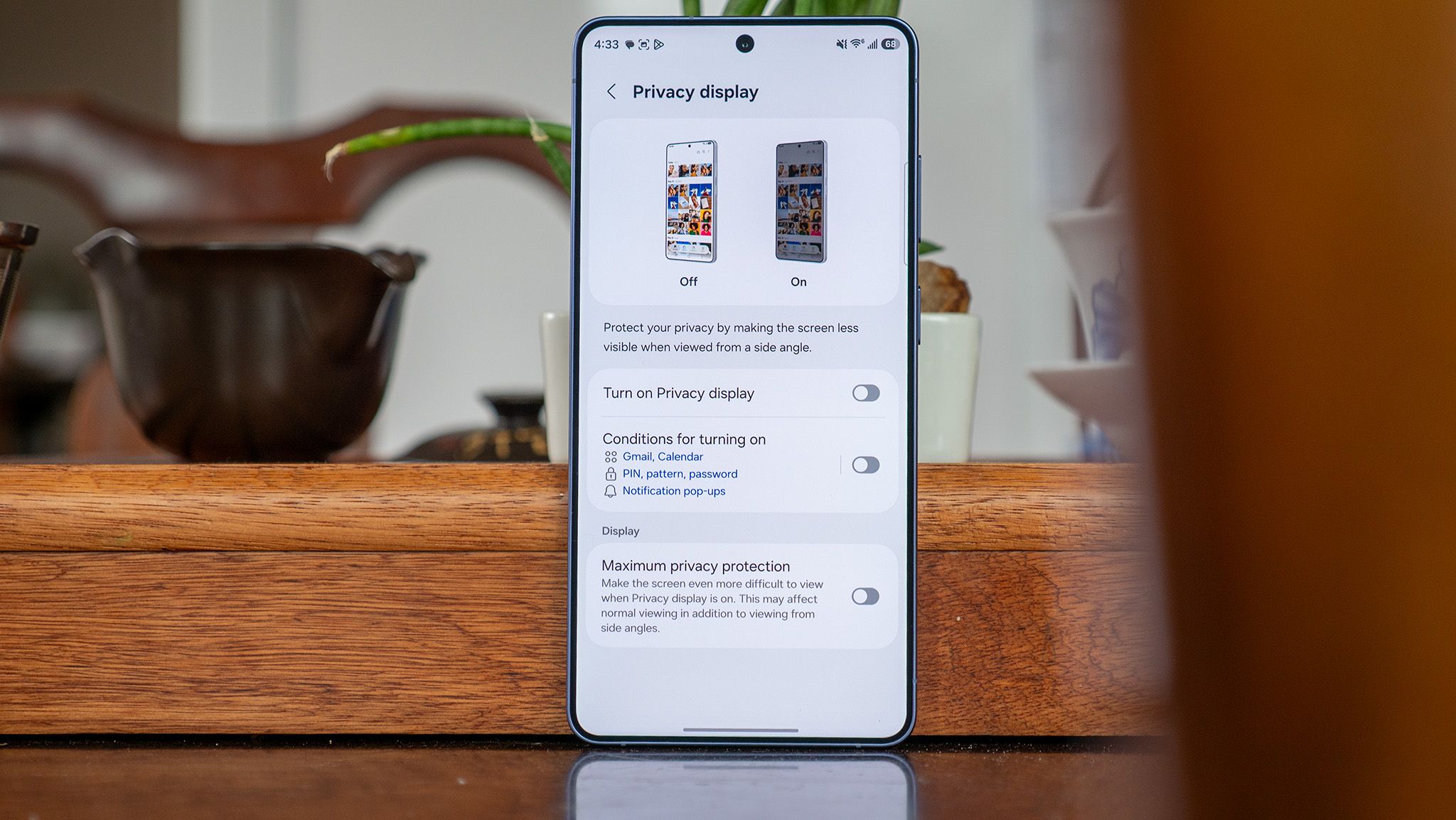
For anyone who believes smartphone innovation has stalled, the Samsung Galaxy S26 Ultra is here to dispel that notion. Samsung’s latest flagship packs a truly new display technology — the Flex Magic Pixel OLED. It includes narrow and wide pixels that can be individually managed at the subpixel level, limiting viewing angles. The display architecture powers the Galaxy S26 Ultra’s Privacy Display feature, which disables the wide pixels to prevent others from seeing what’s on your screen.
Perhaps the best part of Privacy Display is that it can be turned on or off with the press of a button. A privacy screen protector, by comparison, isn’t as easy to remove. However, if you’re only using the on/off toggle to control Privacy Display on your Galaxy S26 Ultra, you’re not making the most of your phone’s best display feature. The tool really comes in handy when you make it your own by using Max privacy protection or configuring when Privacy Display activates automatically.
Article continues below
You may like
Today’s best Samsung Galaxy S26 Ultra deals
Privacy Display is like a privacy screen protector, but better
(Image credit: Derrek Lee / Android Central)
Samsung made a few trade-offs to offer the Privacy Display feature on the Galaxy S26 Ultra. Our display review of the smartphone confirmed that the screen isn’t as sharp or as bright as its predecessor, even with the feature disabled. Specifically, we found that the display is at least 300 nits dimmer at maximum brightness, which is not an insignificant difference. That said, it offers a few key advantages for privacy-conscious users compared to using a screen protector.
The idea behind the Privacy Display feature is simple. When the tool is enabled, and you tilt your phone, it becomes harder to see. This prevents someone…