Samsung Opens Galaxy S26 Test Drive On iPhone
Samsung Opens Galaxy S26 Test Drive On iPhone
https://www.findarticles.com/samsung-opens-galaxy-s26-test-drive-on-iphone/
Publish Date: 2026-02-27 05:08:00
Source Domain: www.findarticles.com
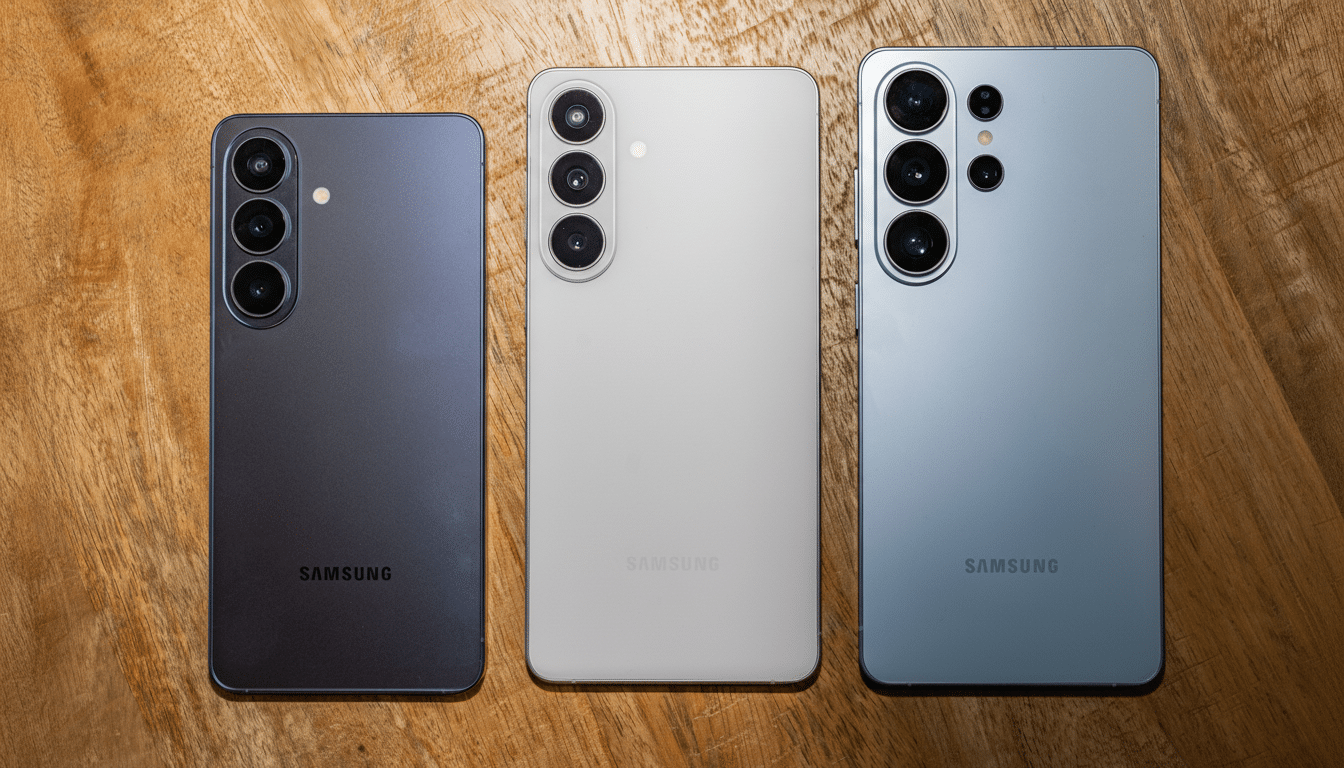
Curious about Samsung’s latest flagships but not ready to switch hardware? Samsung is letting iPhone and non-Galaxy Android users take the Galaxy S26 experience for a spin through its refreshed Try Galaxy web app, a lightweight, on-device simulation of One UI 8.5 that runs right from your phone’s home screen.
The browser-based demo doesn’t mirror chipset speed or camera sensors, but it does re-create the feel of Samsung’s interface and core software features, so you can judge whether the “Galaxy way” fits your habits before setting foot in a store.
What You Can Explore In Samsung’s Try Galaxy Demo
The latest Try Galaxy focuses on S26-era software highlights. Privacy Display is front and center, simulating Samsung’s viewing-angle shielding designed to deter shoulder surfing in public. You can also test Photo Assist by describing edits in everyday language—think “remove the crowd,” “sharpen the sign,” or “brighten the sky”—to see how Samsung’s AI-driven workflow streamlines common fixes.
Nightography demos showcase how the camera app handles low light with steadier exposure and cleaner detail, while the new Nudge assistant surfaces context-aware suggestions as you move through your day. The walkthrough also previews Smart Switch, Samsung’s migration tool that helps move essentials like photos, contacts, and messages from your current device to a new Galaxy.
Because this is a guided simulation, you won’t be shooting real photos or benchmarking any silicon. What you do get is a realistic sense of the interface, settings layout, camera modes, and the overall cadence of One UI 8.5.
How To Try The Try Galaxy Demo On iPhone And Android
Set Up The Try Galaxy Demo On iPhone
- Open Safari.
- Visit the Try Galaxy site.
- Tap the Share icon.
- Choose Add to Home Screen.
- Launch the new icon to start the demo.
Add The Try Galaxy Demo On Non-Galaxy Android
- Open your browser.
- Open the menu.
- Select Add to Home…