Samsung Galaxy S26 Ultra Hands-On Reveals Privacy Edge
Samsung Galaxy S26 Ultra Hands-On Reveals Privacy Edge
https://www.findarticles.com/samsung-galaxy-s26-ultra-hands-on-reveals-privacy-edge/
Publish Date: 2026-02-26 00:01:00
Source Domain: www.findarticles.com
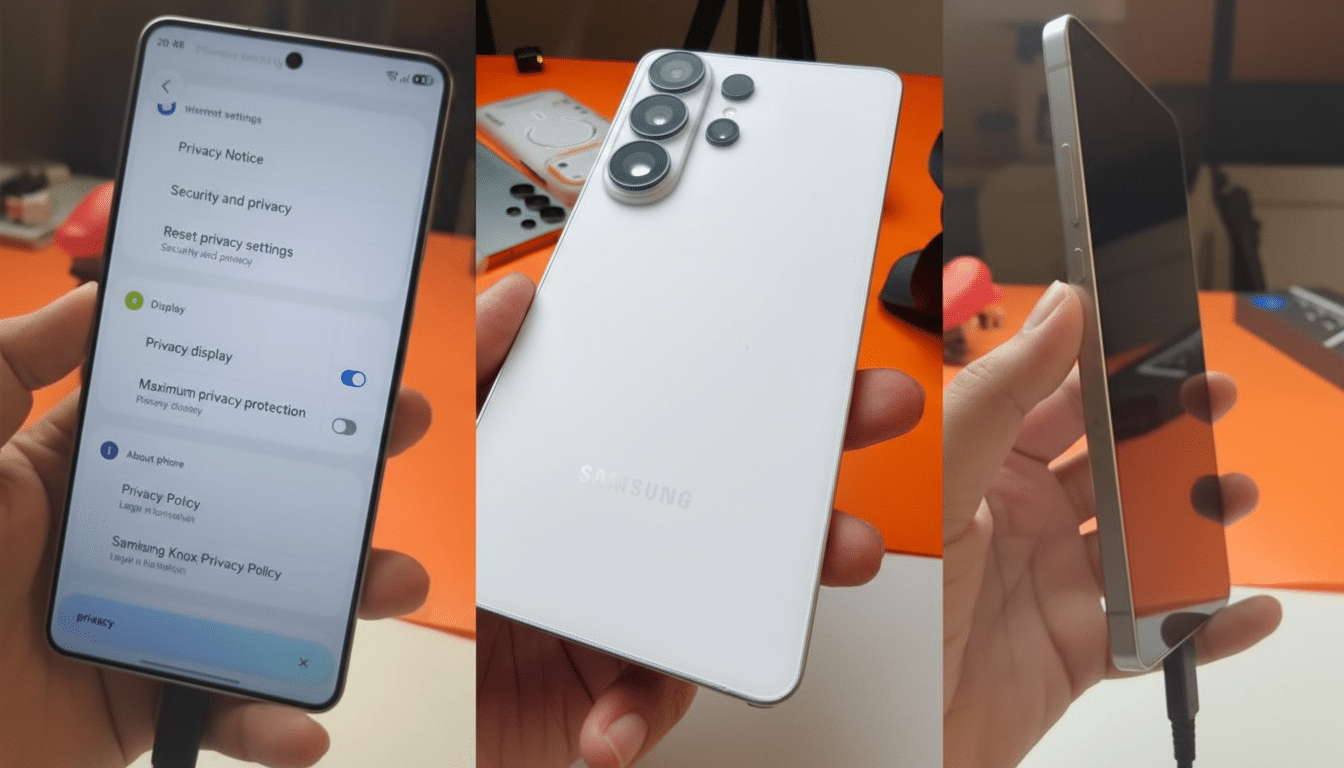
I spent hands-on time with the Samsung Galaxy S26 Ultra, and one feature jumped out as a genuine behavior-changer: an on-device privacy display mode that selectively shields notifications from side glances without blacking out your whole screen. It’s the kind of thoughtful, real-world fix that could make even entrenched iPhone users do a double take.
Why This Hands-On Matters for Real-World Privacy
We swap memes, compare menus, and hand over our phones constantly, yet our most sensitive info often lives in notifications that erupt at the worst moment. Samsung’s new approach targets that exact friction point, and it works in the flow of how people actually use phones.
The risk isn’t theoretical. The Ponemon Institute’s Visual Hacking Experiment, sponsored by 3M, found that visual data theft attempts succeeded in 91% of office trials, with sensitive information captured quickly. That was an enterprise study, but the behavior scales to coffee shops, trains, and shared couches. If a major smartphone can reduce accidental oversharing by even a fraction of that, it’s meaningful.
The Privacy Trick That Changes Behavior in Everyday Use
Here’s the standout: beyond a full-screen privacy filter, you can limit the effect to notifications only. From a shallow off-axis angle, alerts turn low-contrast and unreadable, while the content you’re showing someone front-and-center remains perfectly clear. Tilt a little further, and those alerts become effectively redacted, like they never happened.
Control is granular. In settings, I could designate specific apps—think banking, messaging, two-factor codes—to always use the angled privacy treatment. Crucially, the rest of the interface stayed shareable. This is smarter than flipping on Do Not Disturb and hoping you remembered to turn it back off, or hiding previews entirely and sacrificing utility.
Technically, this feels like a mix of software-driven contrast management and panel-level…