Android apps, stop using Apple’s Liquid Glass design
Android apps, stop using Apple’s Liquid Glass design
https://www.androidauthority.com/android-apps-using-liquid-glass-3642290/
Publish Date: 2026-02-22 08:08:00
Source Domain: www.androidauthority.com
Stephen Headrick / Android Authority
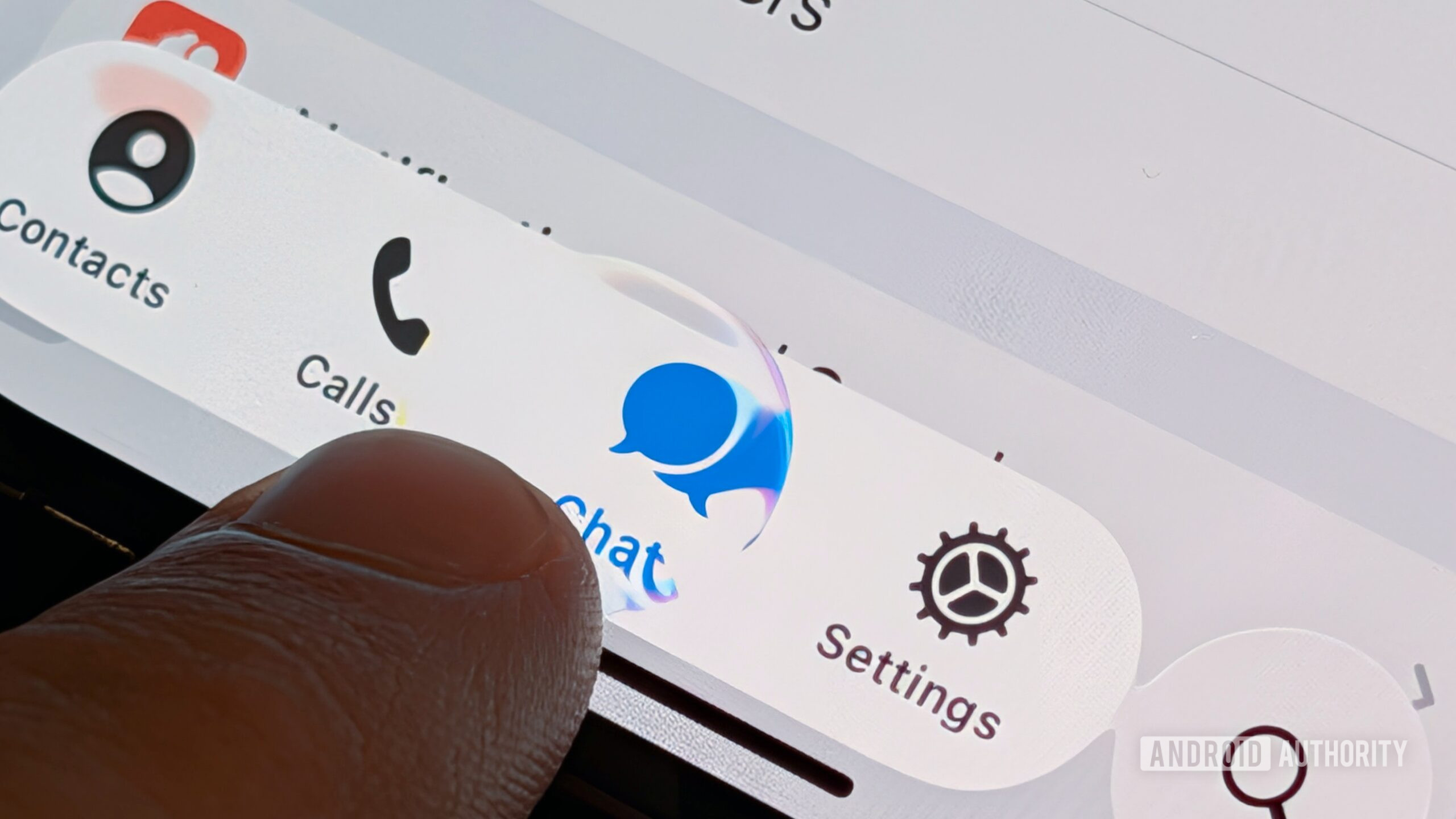
If I wanted Liquid Glass, I’d buy an iPhone. It doesn’t belong on Android. And yet, I’m seeing more and more of Apple’s design language — or half-baked versions of it — pop up in apps on my Google Pixel.
Android has long been known for its customization options. For that reason, I don’t mind some of the third-party launchers that have added Liquid Glass-like design packs. For me, the issue is not about a third-party developer giving the user the option; to the contrary, the issue is when an app developer chooses Apple’s design language over Google’s Material 3 Expressive as the default, leading to an experience that feels foreign.
Have you noticed Liquid Glass design in apps you use on Android?
38 votes
Yes
32%
No
63%
I don’t really pay attention to design.
5%
There are levels to this
Stephen Headrick / Android Authority
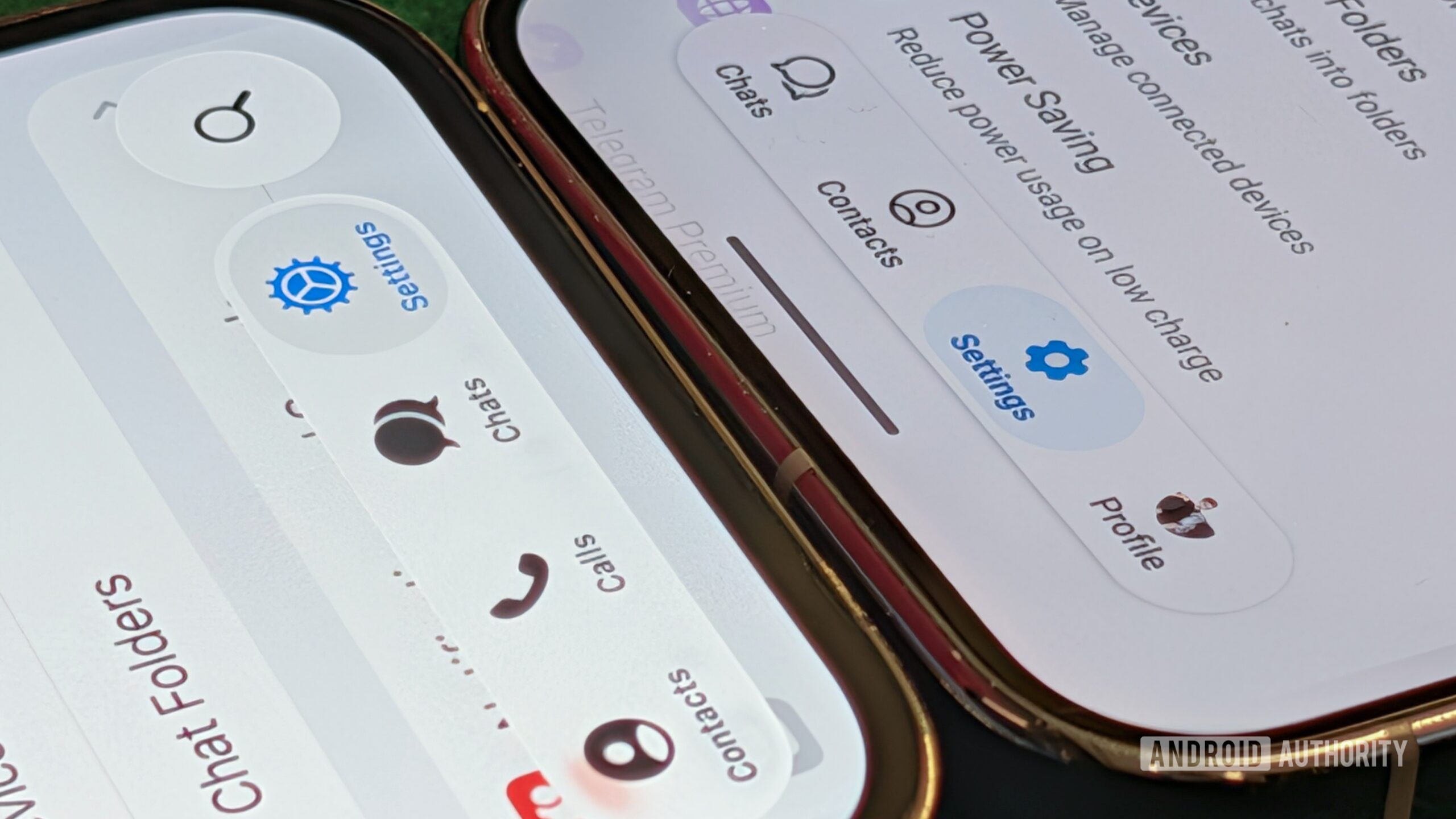
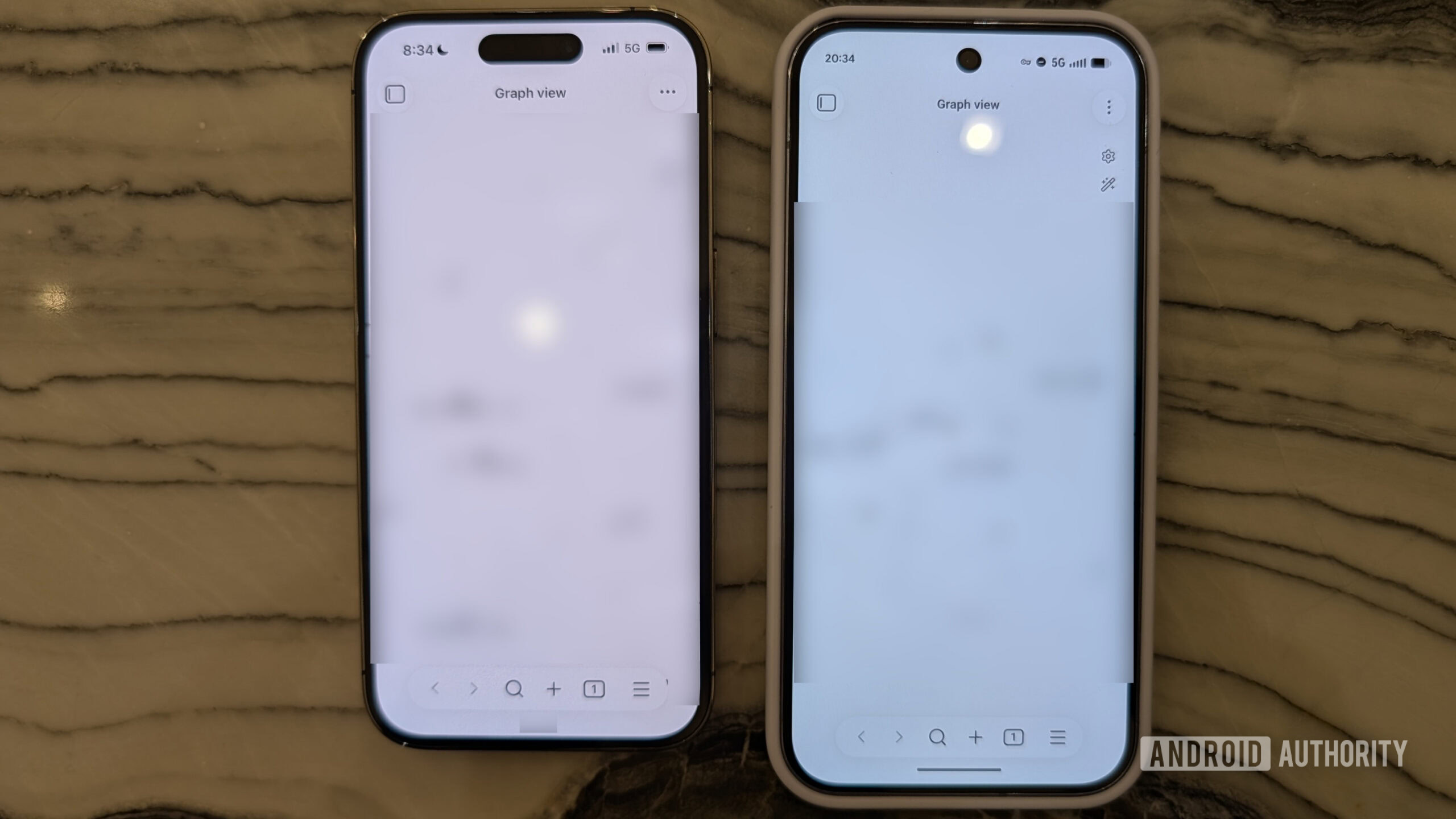
Some apps are leaning on Liquid Glass more than others. The most recent and blatant implementation I’ve seen is in popular note-taking app Obsidian. This app was recently updated and the UI screams iOS. The circular floating buttons at the top right and left of each screen, the floating bar at the bottom, the lack of color — it’s all straight from iOS. To give credit where it’s due, I will admit that the app feels native and snappy to use, but I would appreciate even just a little effort to make the experience more fit for Android.
In Obsidian’s case, even just a couple of small changes would go a long way. For one, to differentiate from Apple’s design standards, I’d start by changing the two floating buttons at the top of the screen. Taking some inspiration from Google’s Screenshots app, I’d change the buttons’ shape to more of a squished circle, with a narrower top and bottom and longer sides. I’d also remove the shadows from underneath the circle and leave them flat, as you commonly see with these buttons on Android.
Stephen Headrick / Android Authority
Google’s design language…