You can turn your iPhone into a distraction-free dumbphone — here’s how in 5 steps
You can turn your iPhone into a distraction-free dumbphone — here’s how in 5 steps
Publish Date: 2026-02-21 04:00:00
Source Domain: www.tomsguide.com
iPhones weren’t designed to help you focus. Pretty much every feature exists to grab your attention and hold it as long as possible. What starts as checking one message turns into 20 minutes of scrolling you didn’t plan for.
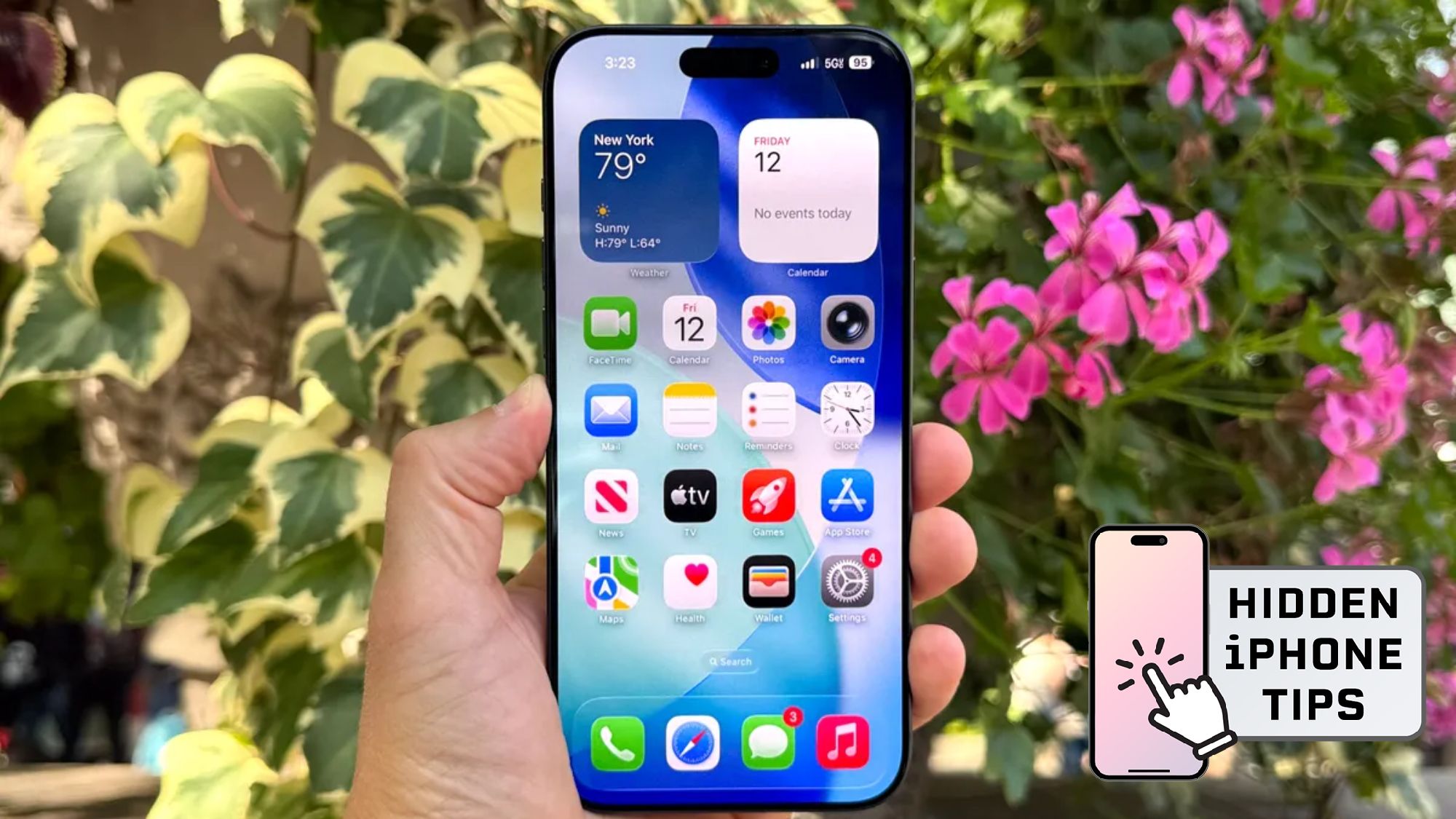
Hidden iPhone tips
(Image credit: Future)
Hi, I’m Kaycee. Welcome to Hidden iPhone Tips, a weekly column where I dig into the best iOS features Apple doesn’t tell you about.
There is, however, a middle ground. Your iPhone can function as a dumbphone. It requires five deliberate setting changes that make your phone boring enough to ignore but useful enough to keep. Here’s how to do it.
You may like
1. Clear your home screen down to basics
Visual clutter creates temptation. A home screen packed with app icons invites exploration and distracted tapping. Minimizing what’s visible reduces impulse opens significantly.
Limit your home screen to four apps maximum: Phone, Messages, Camera, and Maps. Move everything else into the App Library where they’re searchable but not immediately visible.
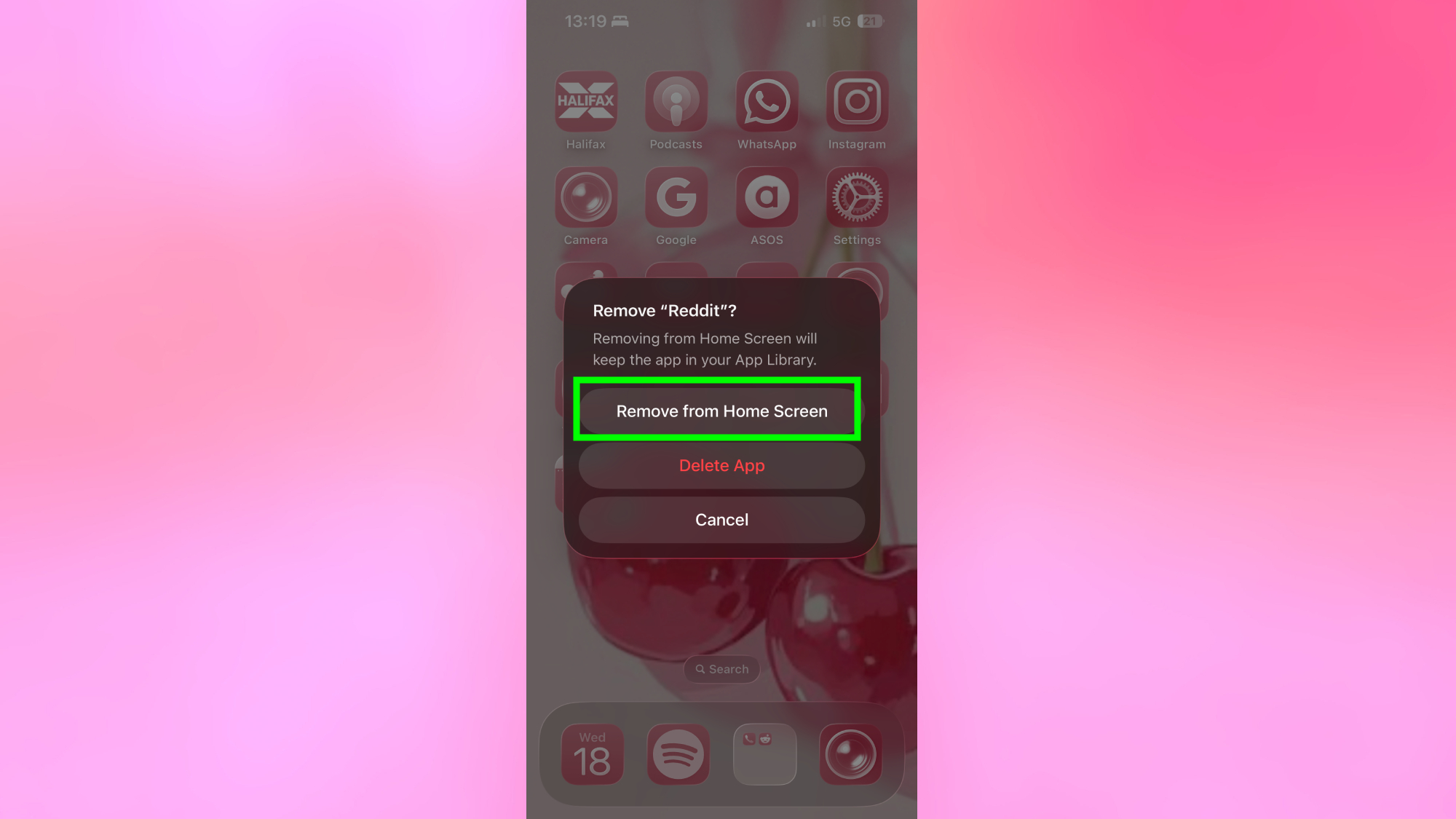
Removing apps from your home screen doesn’t delete them. Long-press any icon, select Remove App, then choose Remove from Home Screen instead of Delete App. The app remains installed but requires intentional searching to access.
This creates helpful friction. Opening your email or a specific work app still takes seconds, but you have to actively search for it rather than tap reflexively.
2. Eliminate notifications
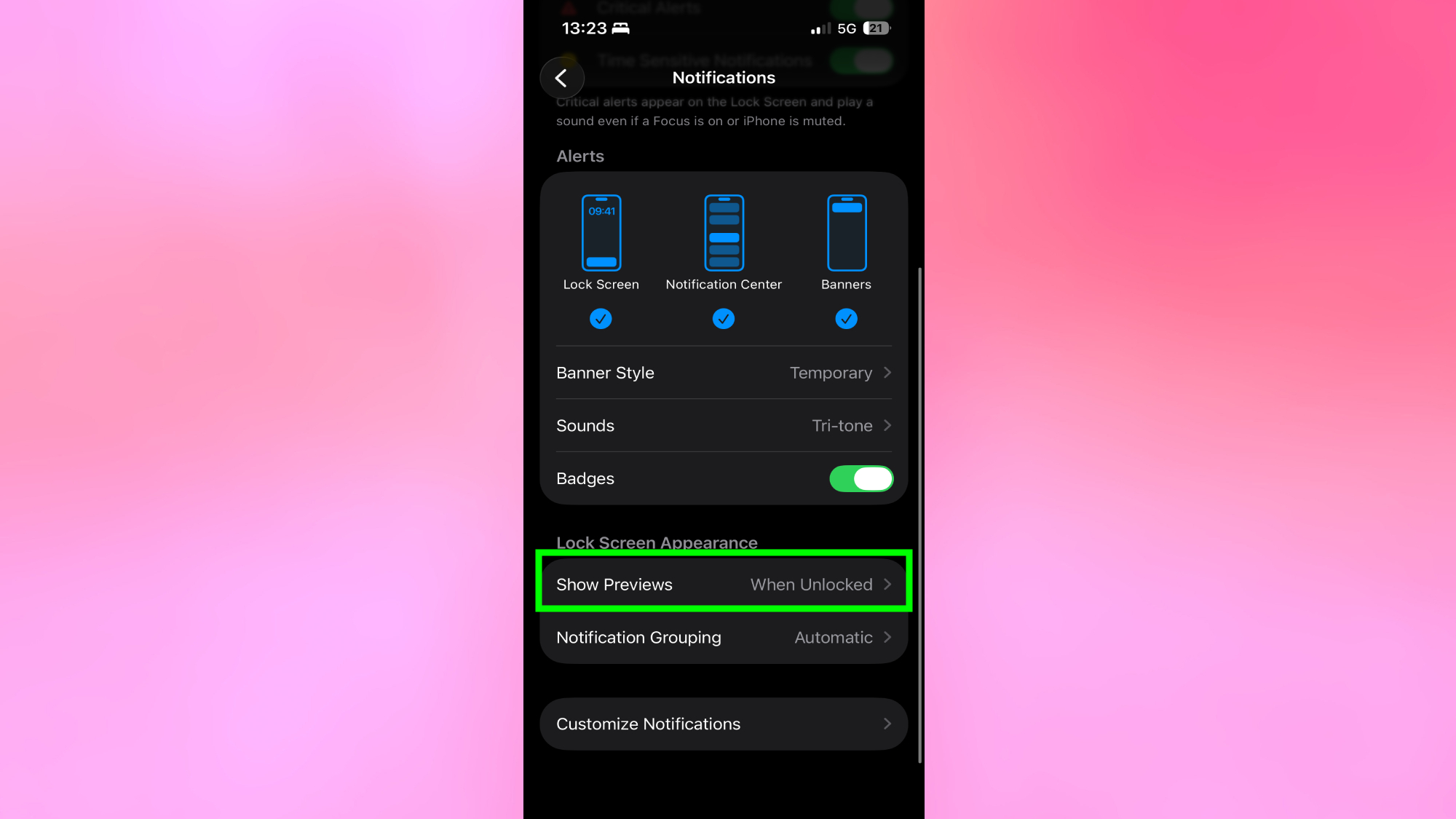
Notifications exist to pull you back into your phone constantly. Every ping, banner, and badge demands attention and breaks focus, even when the underlying message is completely unimportant.
Go through your notifications settings and disable alerts…