Here’s how you should approach it
Here’s how you should approach it
https://www.howtogeek.com/linux-is-not-a-windows-substitute/
Publish Date: 2026-02-19 12:00:00
Source Domain: www.howtogeek.com
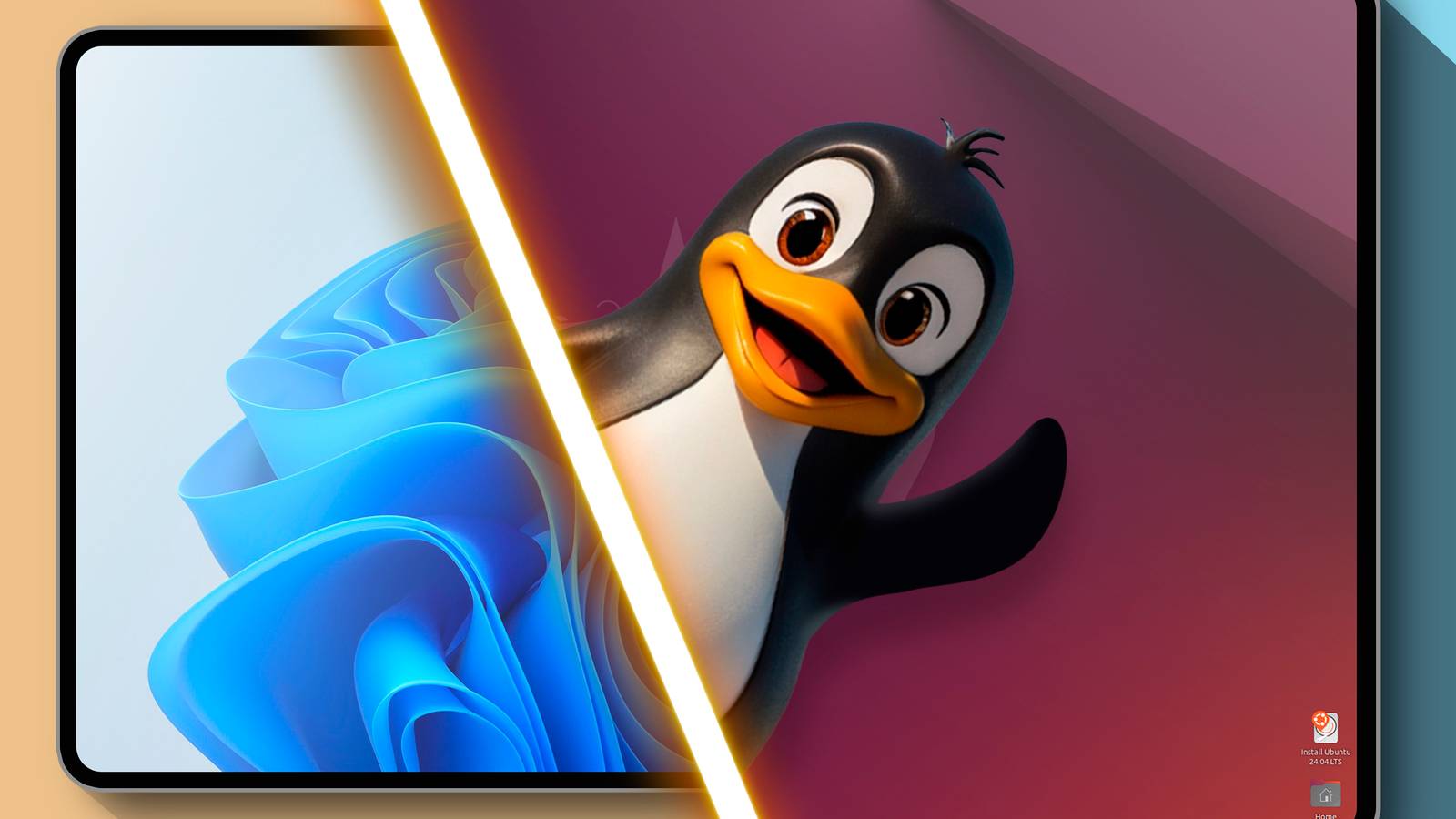
Linux is flexible, but it can’t contort itself into a perfect Windows replica. Linux comes with its own set of pros and cons, and expecting it to behave like Windows will lead to disappointments. Instead, appreciate Linux for what it is, and you’ll understand why so many people love the Penguin OS.
Linux can’t be a drop-in Windows replacement
Many Linux enthusiasts, including myself, will tell you that Linux is better than Windows. However, when we say that, we don’t necessarily mean Linux is like Super Windows, as if it does everything Windows can, and then some.
Linux is its own beast and has its own style of doing things. Here are some of its core differences with Windows that you just can’t paint over!
Different user interfaces
When people look for Windows-like Linux distros, they are essentially looking for a system that can mimic Windows’ ways of doing things—sparing the user from learning a new interface. And yes, there are many Linux distros that capture the overall look and feel of Windows. However, it’s never a perfect recreation.
Don’t get me wrong, Linux is insanely customizable. You can customize it to resemble Windows 11 or Windows 10. However, this customization is primarily limited to the desktop appearance. You can’t customize it to have all the elements, behaviors, or functionalities of Windows.
For instance, the Settings app or File Manager on Linux will look and function differently from what you get on Windows. As such, you will need to learn where all the settings are and familiarize yourself with the default File Manager and how to work with it.
In fact, almost all the default pre-installed system apps on Linux will look different than those on Windows, be it the calculator, calendar, clock, etc. Only third-party apps…


