A leaked image of the Galaxy S26 Ultra’s key feature suggests it might be more than just a gimmick
A leaked image of the Galaxy S26 Ultra’s key feature suggests it might be more than just a gimmick
https://www.phonearena.com/news/more-details-about-s26-ultra-privacy-display_id178331
Publish Date: 2026-02-19 06:50:00
Source Domain: www.phonearena.com
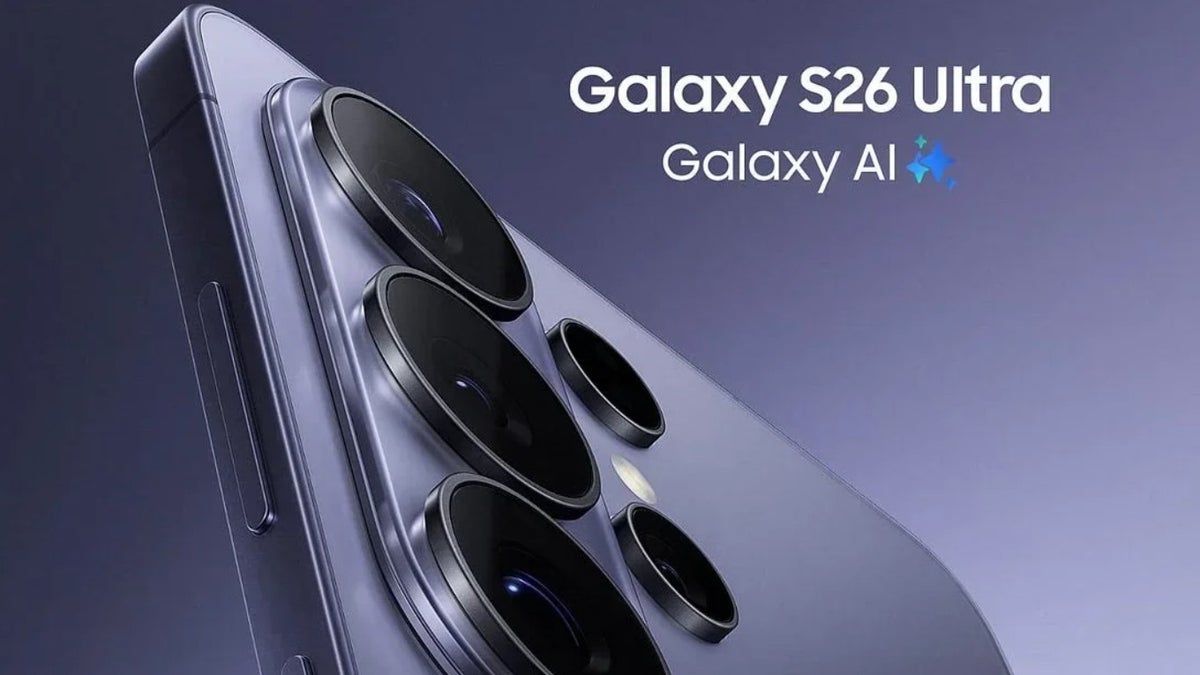
Rear cameras of the Galaxy S26 Ultra. | Image by Evan Blass
We are now literally days away from the Galaxy Unpacked event where Samsung is going to release the Galaxy S26 series phones. While all the upcoming models in the lineup are getting noticeable upgrades from their respective predecessors, I’m really excited about the S26 Ultra because of its privacy display feature. An image has also been leaked online that shows all the options that you will get with this feature.
There’s plenty of manual control
We have covered a lot about the privacy display feature recently. Still, if you’re not aware of it, then in short, you can understand it as a replacement for the privacy glass that we often install on our smartphones. When enabled, it will ensure that the content of your screen can’t be viewed from side angles.Initially, it was speculated that it would make the entire screen invisible from side angles, but recent reports suggest that it will only work on those areas of the screen that show confidential data. I’m confident that this is exactly how the feature will function based on two images of the privacy display window that have been shared by reliable tipster Tarun Vats. Interestingly, the same images were shared back in October last year, when very little was known about this feature, by another leaker.Anyway, the image suggests that you will get many manual controls for this feature, and I think that’s actually a suitable approach. There’s an “Auto privacy” toggle, which I believe most S26 Ultra users will use. As per its description, enabling this will automatically turn on the privacy display feature when you are in a crowded place or using sensitive apps like a banking app.This toggle appears to be largely beneficial, as you won’t have to manually enable this feature every time. However, there could be one downside as well. It might always track your location to know when you are travelling in a crowded…
Source