Pico Mac Nano Review: I tested the probably world’s smallest Apple Macintosh computer
Pico Mac Nano Review: I tested the probably world’s smallest Apple Macintosh computer
Publish Date: 2026-02-13 11:29:00
Source Domain: www.notebookcheck.net
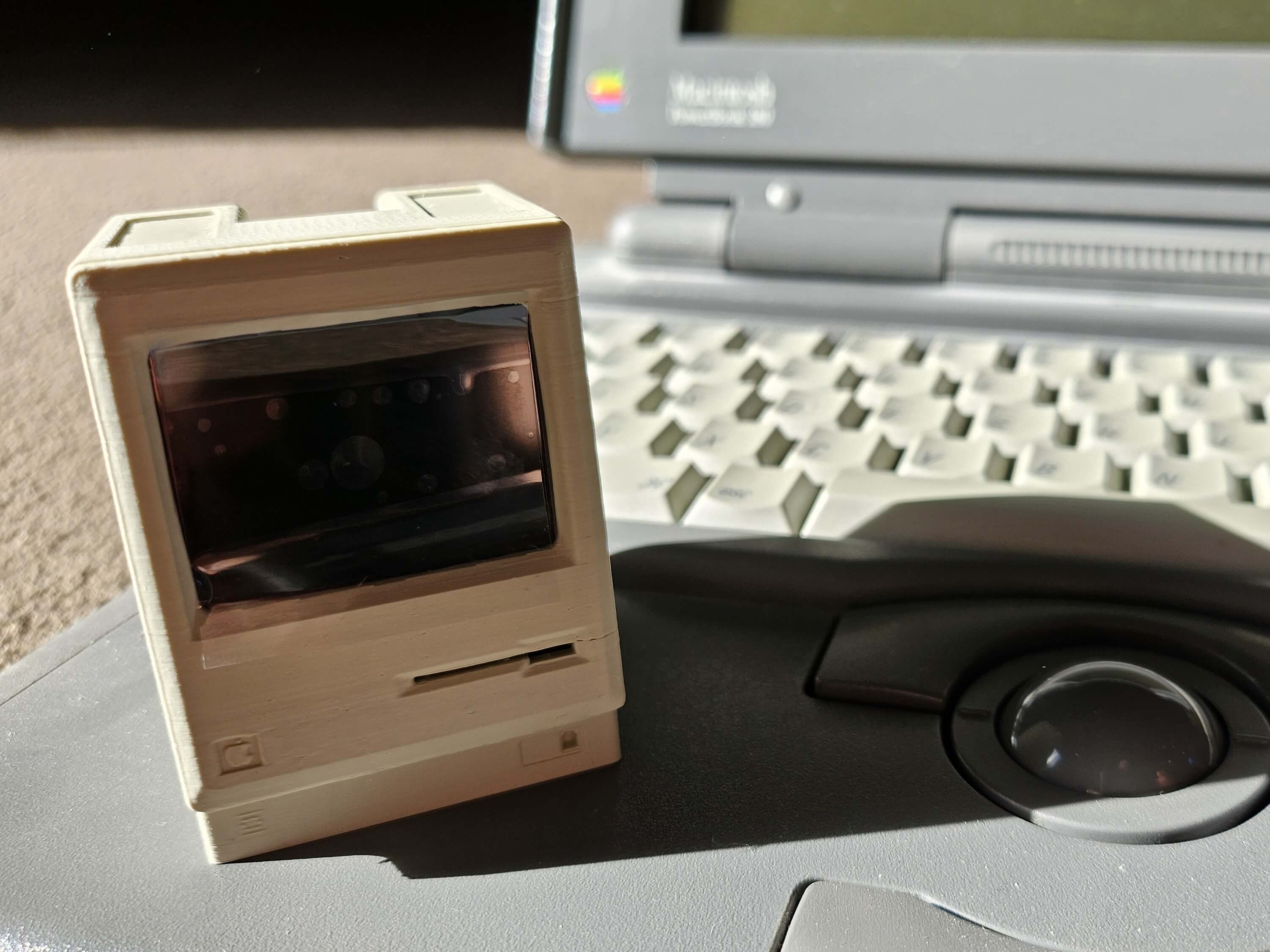
The Pico Mac Nano’s casing is 3D-printed and made from PLA bioplastic. This can soften at temperatures above 60 °C, so it is important not to expose the device to excessive heat. A sound module is optional for integrating the typical startup sound, as is a battery module for using the Pico Mac Nano as a power source without a USB cable. I decided not to use either of these. To start the Micro Macintosh, simply plug a USB-C cable into the rear port and, after a short boot process, System 3.2 is ready to go.
The package includes a USB adapter that turns the integrated port into two: one for power on the side and one for connecting a keyboard or computer to flash new firmware. As is typical for Apple, this should be a keyboard that has additional ports for a mouse; a readily available keyboard-mouse combo from an iMac worked right away. In addition to the USB-C port, there is also a micro SD card slot on the back, which can be used to load additional software. Be careful with the small floppy disk slot on the front: this houses the lower part of the LCD screen, so nothing should be inserted here. On the bottom are the two buttons R for reset and B for boot select. If you want to learn more about the creation of the Pico Mac Nano, you can find lots of details in Nick Gillard’s blog.