This Android developer option makes every phone feel much faster
This Android developer option makes every phone feel much faster
https://www.makeuseof.com/this-android-developer-option-makes-every-phone-feel-much-faster/
Publish Date: 2026-02-13 10:00:00
Source Domain: www.makeuseof.com
Developer options on Android are essentially a playground of advanced controls that lets you tweak how your phone behaves. They are not meant for everyday users by default, but once unlocked, they open a surprising level of customization. Some settings can fine-tune performance, others improve daily usability, and a few can make your phone feel quicker and more responsive.
It’s like a drawer packed with features you did not know existed. Tucked away, yet incredibly useful once explored. The best part is that you do not have to be a developer to benefit from them. A handful of smart adjustments can change how fluid your device feels and how efficiently it runs. Once you get familiar with what is inside, it is hard to go back to Android without them, because the experience only improves from there.
Enabling Developer options on Android
Welcome to Android’s secret control room
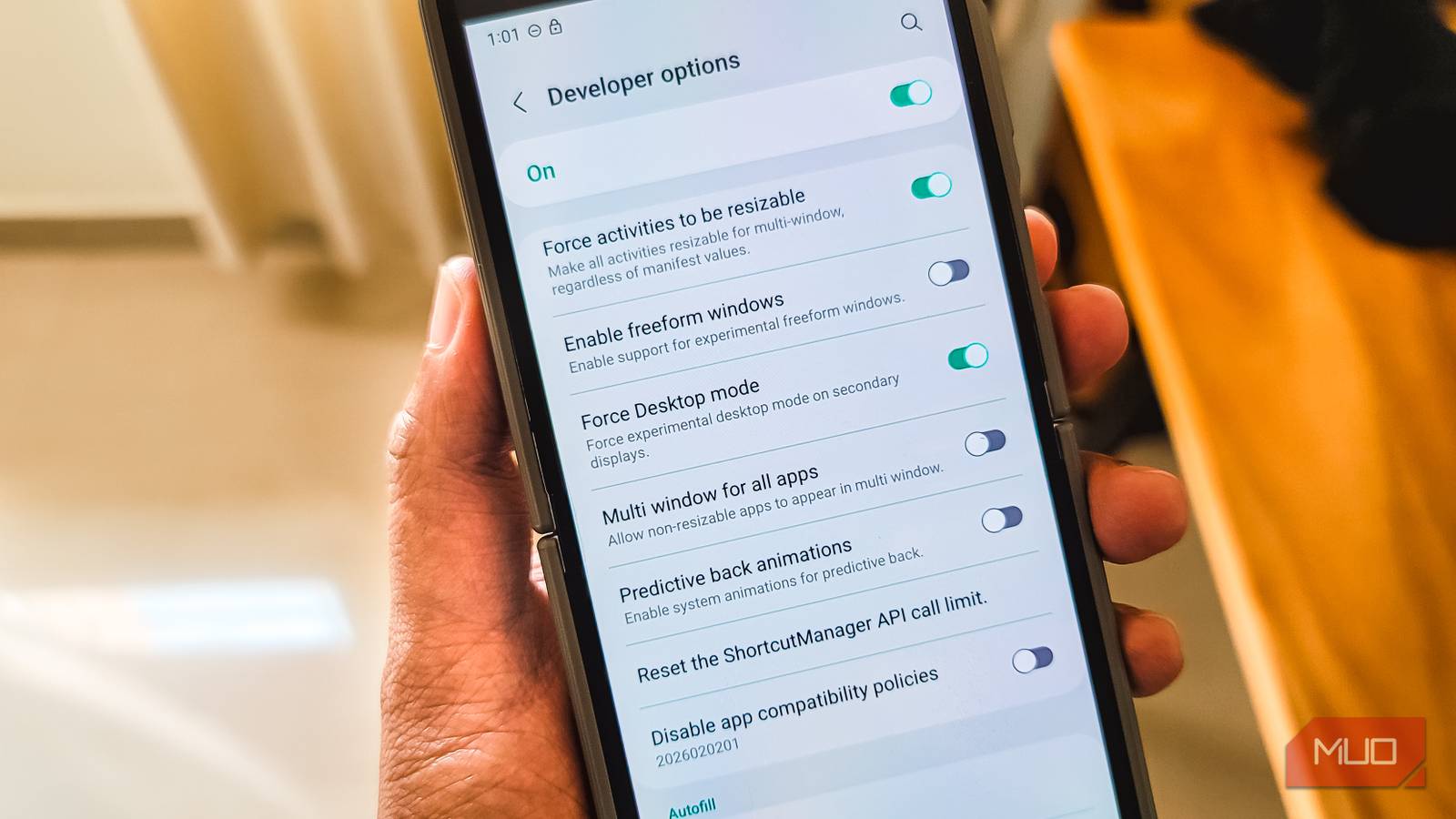
Enabling developer options on an Android phone is perfectly safe as long as you know what you’re tapping into. It doesn’t alter anything on its own; it simply unlocks all the advanced settings that are otherwise tucked away from an everyday user. Enabling it on your Android phone only takes a minute:
- Open the Settings app on your smartphone.
- Scroll through the menu and select About Phone.
- Scroll down until you locate the Build number. (This will appear under a section like Device Identifier, but could be something different as well, depending on your phone.)
- Tap the Build number menu seven times. After a few taps, a small-screen counter will…


