The Art of System Recovery Without Reaching for the Reinstall Button
The Art of System Recovery Without Reaching for the Reinstall Button
Publish Date: 2026-02-07 17:17:00
Source Domain: www.webpronews.com
For decades, the conventional wisdom among casual computer users has been simple: when something goes catastrophically wrong with your operating system, wipe the drive and start fresh. But in the Linux world, a growing cohort of power users and system administrators are pushing back against that instinct, arguing that almost any system failure can be repaired in place — if you know where to look and what tools to wield.
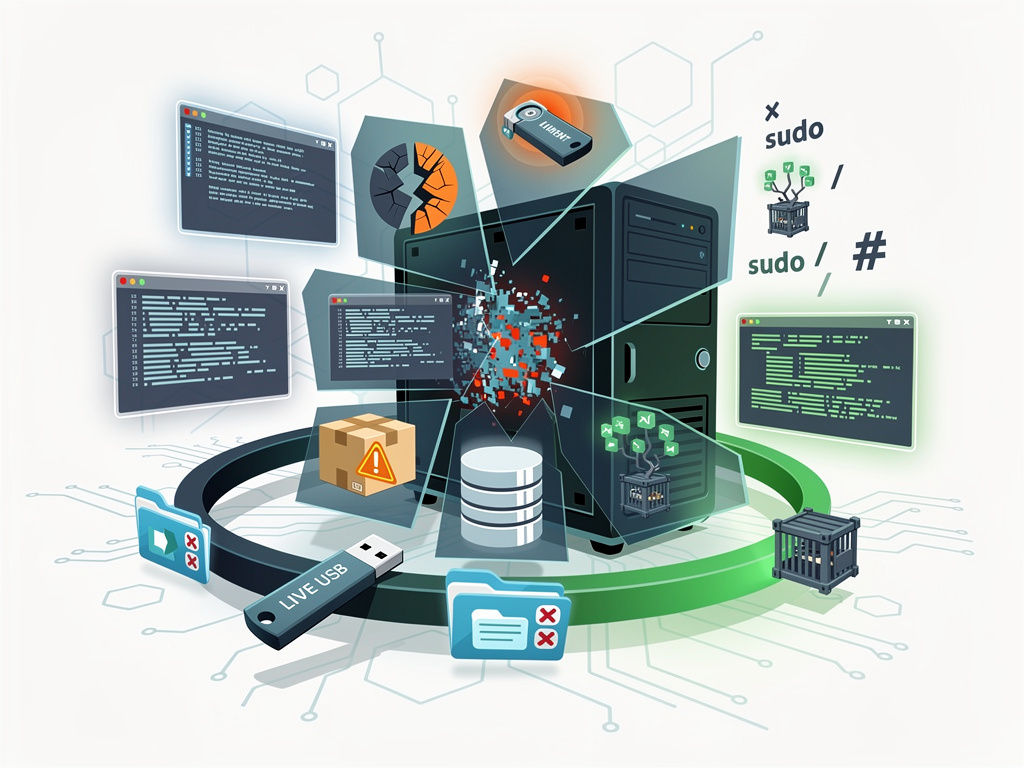
A recent deep dive published by MakeUseOf put this thesis to the ultimate test: deliberately breaking a Linux installation in multiple severe ways, then methodically recovering it without ever reaching for an installation ISO. The experiment serves as both a tutorial and a philosophical statement about the transparency and resilience of open-source operating systems — and it offers lessons that extend well beyond hobbyist tinkering into enterprise IT strategy.
Why Reinstalling Is the Easy Way Out — and Why That Matters
The impulse to reinstall an operating system when things go sideways is deeply ingrained. On proprietary platforms like Windows and macOS, the internal workings of the OS are largely opaque, and troubleshooting a corrupted system often requires specialized tools that most users don’t possess. Linux, by contrast, exposes virtually every configuration file, boot parameter, and system binary to the user. This transparency means that with sufficient knowledge, a broken Linux system is almost always a recoverable Linux system.
The MakeUseOf experiment underscored this point by targeting several critical subsystems — the bootloader, the desktop environment, the package manager database, and core system files. Each of these represents a category of failure that would send most users scrambling for a fresh install. Yet in every case, the author demonstrated that recovery was not only possible but often straightforward, requiring nothing more than a live USB environment and familiarity with a handful of command-line…