Android Photos Move To Windows Faster With Quick Share
Android Photos Move To Windows Faster With Quick Share
https://www.findarticles.com/android-photos-move-to-windows-faster-with-quick-share/
Publish Date: 2026-02-07 11:04:00
Source Domain: www.findarticles.com
Moving pictures from an Android phone to a Windows PC is now smoother than ever, with Google’s Quick Share joining classic USB transfers and reliable third‑party tools. Whether you want a one‑time dump of vacation shots or an ongoing backup routine, the right method depends on speed, convenience, and how much control you want over your files.
Fastest Method: USB Cable Transfers for Large Galleries
A cable remains the quickest and most dependable way to import a large gallery. Connect your phone with a data‑capable USB‑C cable, unlock the device, and set the USB mode to File Transfer or MTP in Android’s USB preferences. On Windows, use the Photos app’s Import button or open File Explorer, navigate to This PC, select your phone, then open the DCIM folder to drag and drop.
Port and cable choice matters. USB 2.0 tops out at 480 Mbps, while USB 3.2 Gen 1 can reach 5 Gbps, and high‑quality cables are critical for hitting real‑world speeds. In practice, a 2 GB album that may take 5–10 minutes over USB 2.0 can finish in about a minute on a solid USB‑C to USB‑C link, assuming your phone and PC support faster lanes and your storage isn’t the bottleneck.
Pro tip: If Windows doesn’t recognize the device, try another port, a different cable, or toggle the phone’s USB mode. Keeping the screen unlocked during the first connection and allowing file access often resolves detection hiccups.
Wireless Transfers Made Easy With Quick Share on Windows
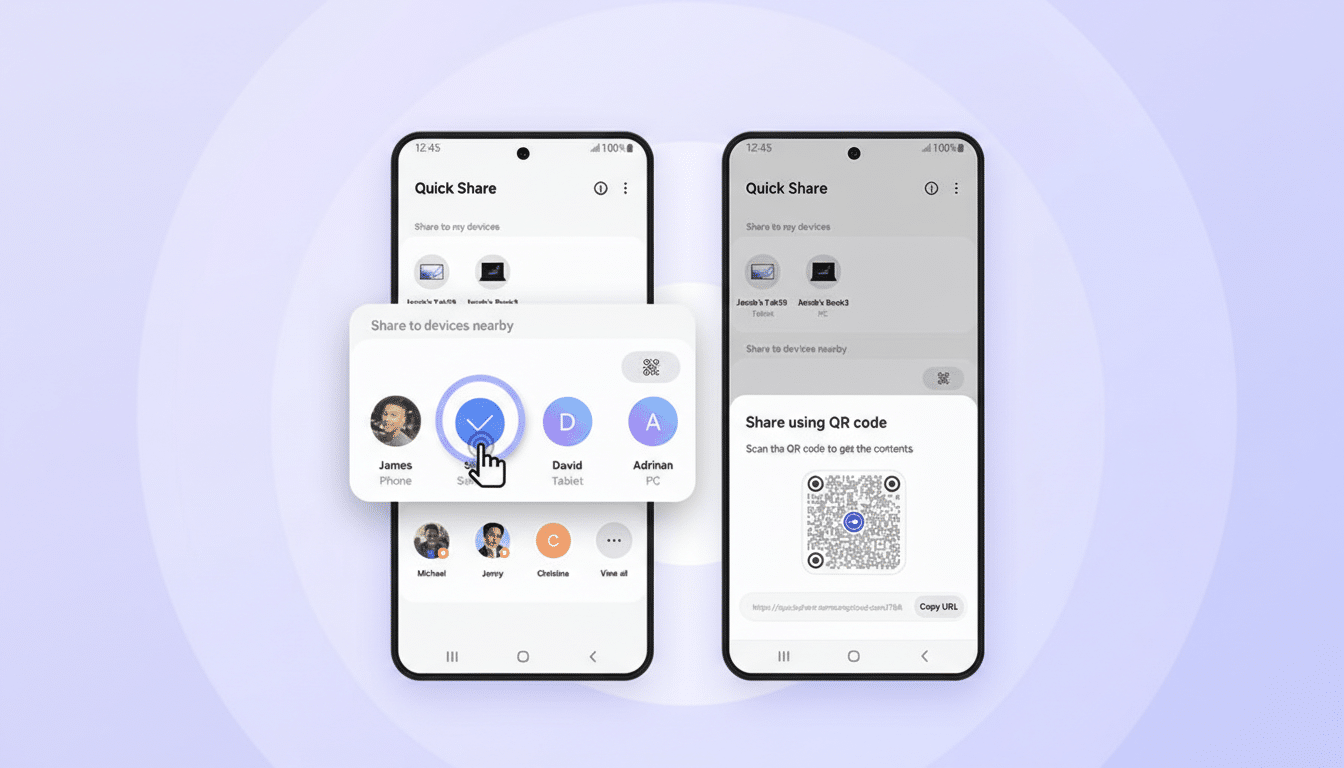
Quick Share, built into modern Android phones and available as a companion app on Windows, streamlines cable‑free transfers on the same network. After installing the Windows app and setting your PC’s visibility to Contacts or Everyone, you can select photos on your phone, tap Share, choose Quick Share, and pick your PC. Accept on the desktop and the files land in your chosen folder automatically.
Because Quick Share relies on local connectivity, performance can rival mid‑tier Wi‑Fi…


