Experts Share Six Free Fixes
https://www.findarticles.com/home-wi-fi-privacy-lags-experts-share-six-free-fixes/
Publish Date: 2026-02-05 13:38:00
Source Domain: www.findarticles.com
Your home Wi‑Fi is probably leaking more data than you think. Out-of-the-box settings favor convenience over privacy, and that leaves a trail—DNS lookups your internet provider can see, smart gadgets that phone home, and routers that expose more than they should. The good news is you can close big gaps with six no-cost moves that take minutes, not money.
Regulators and researchers have warned for years that network metadata is highly revealing. A Federal Trade Commission report found major internet providers combine browsing, location, and app usage data for profiling. Meanwhile, browser makers say HTTPS now covers the vast majority of web traffic—Chrome’s transparency data shows well above 90%—but your DNS still exposes where you’re going unless you lock it down. Here’s how to fix the defaults.
Strengthen Your Router Basics to Close Easy Privacy Gaps
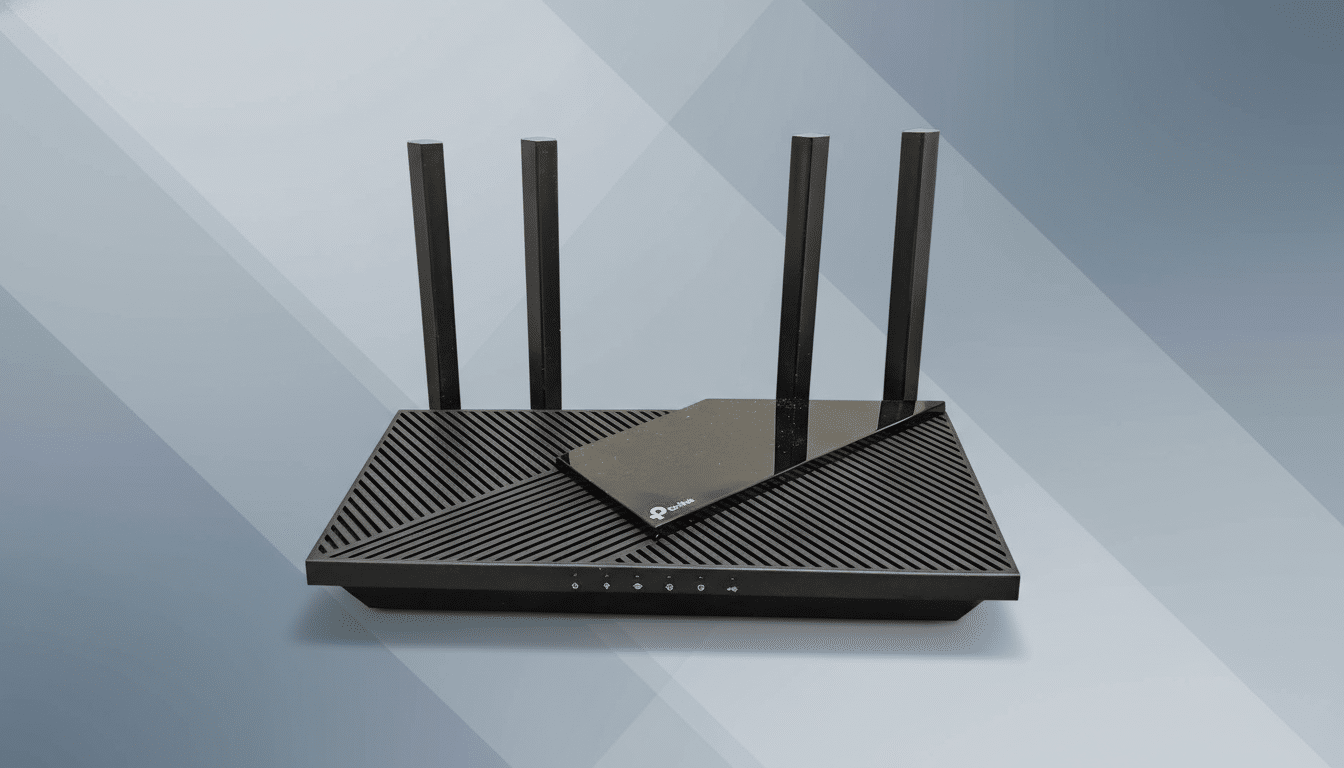
Start where attackers start: your router. Change the admin username and password, and rename the Wi‑Fi network so it doesn’t reveal the brand or model. Enable WPA3 if available, or at minimum WPA2-AES, and disable WPS. The Wi‑Fi Alliance notes WPA3’s handshake resists offline password guessing, a common way neighbors and drive-by snoops capture traffic from weak networks.
These tweaks reduce who can get on your network and who can passively sniff it. Agencies like CISA consistently recommend this baseline, because privacy is impossible if anyone can quietly join or eavesdrop.
Encrypt DNS on Every Device to Hide Revealing Lookups
Even with HTTPS, unencrypted DNS reveals the sites you look up. Turn on DNS-over-HTTPS (DoH) or DNS-over-TLS (DoT) at the router if supported. Many newer gateways let you specify privacy-focused resolvers such as Cloudflare (1.1.1.1), Quad9 (9.9.9.9, with malware blocking), or NextDNS. If your router can’t do it, enable DoH in each device or browser—Mozilla has shipped it as a default for many users, and Android supports Private DNS system-wide.
This…