Unpro Camera on iPhone Offers an Unprocessed Look and a Unique RAW Mode
Unpro Camera on iPhone Offers an Unprocessed Look and a Unique RAW Mode
Publish Date: 2026-02-04 17:18:00
Source Domain: petapixel.com
One year ago, Unpro Camera launched on iPhone, promising extremely natural, unprocessed-looking mobile photos. In the year since, the app has received numerous updates, including HDR support, Bayer RAW capture, improved performance, filters, an all-new UI, and, most recently, RAW + capture, a new mode that the developer believes is unique to Unpro Camera.
The new RAW + capture mode enables photographers to capture two photos in rapid succession, either a RAW and ProRAW on iPhone Pro models, or a RAW and a processed photo on other iPhone devices. The images are captured nearly simultaneously, so it is a good way for photographers to capture both and decide after the fact which they prefer: the smoother, slightly more processed look of ProRAW, a processed JPEG, or a less processed, lower dynamic range RAW photo.
“The idea is the app takes a RAW and a ProRAW in rapid succession, so they are nearly the same photo,” says the developer, Uncorrelated Contents.
“Drawing on years of experience shooting and editing RAW photos, as well as working with image processing, I’ve created Unpro to deliver photos that look both beautiful and real.”
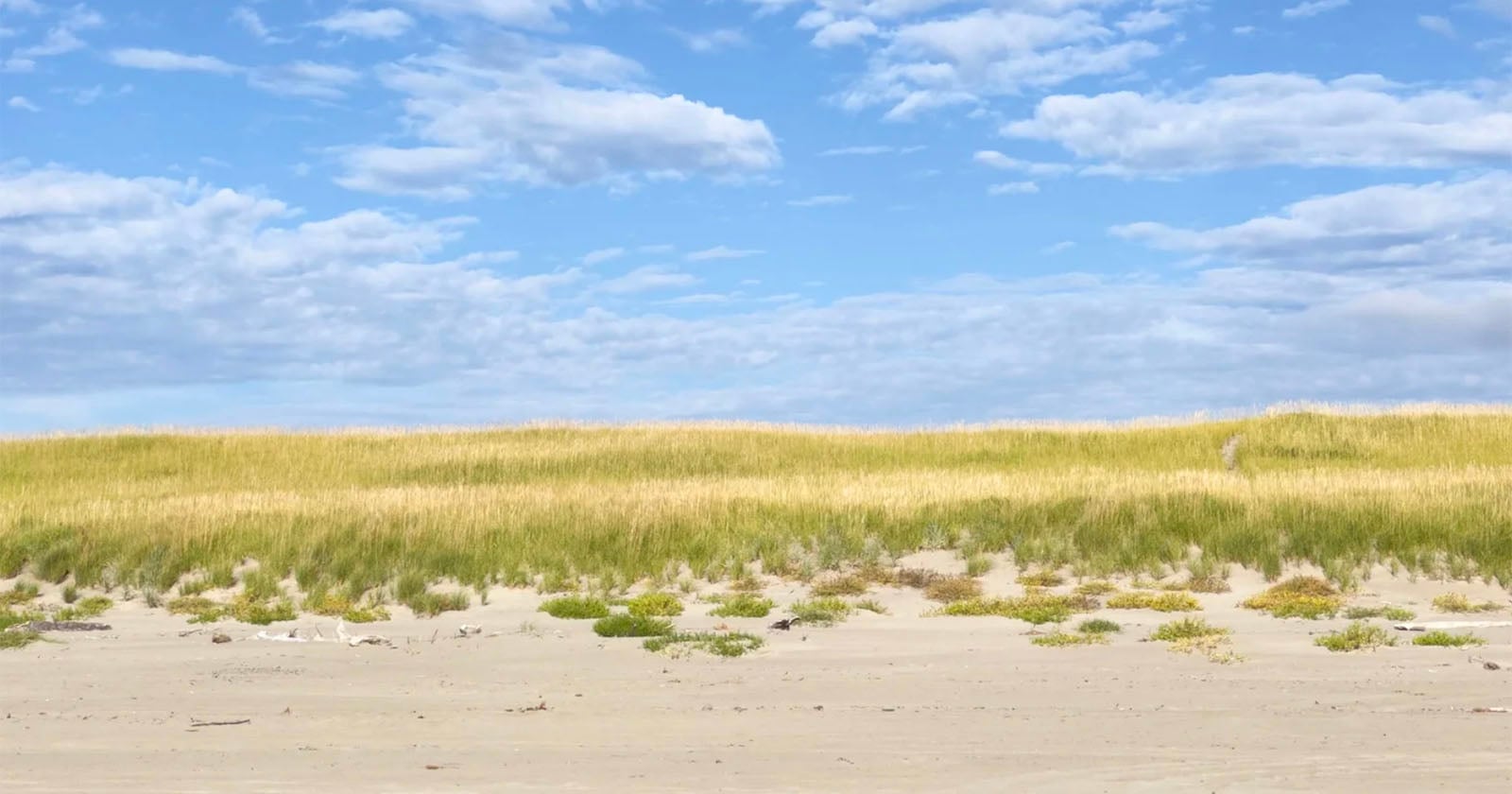
The RAW photo processed with Unpro’s custom RAW image processing pipeline typically shows much darker shadow regions, more noise, and a narrower dynamic range. While that may sound like a bad thing, it means the photos look much more natural, like those captured on dedicated camera systems. More natural-looking iPhone photos are very popular these days as users have pushed back against overly processed photos with excessive dynamic range and strong noise reduction.
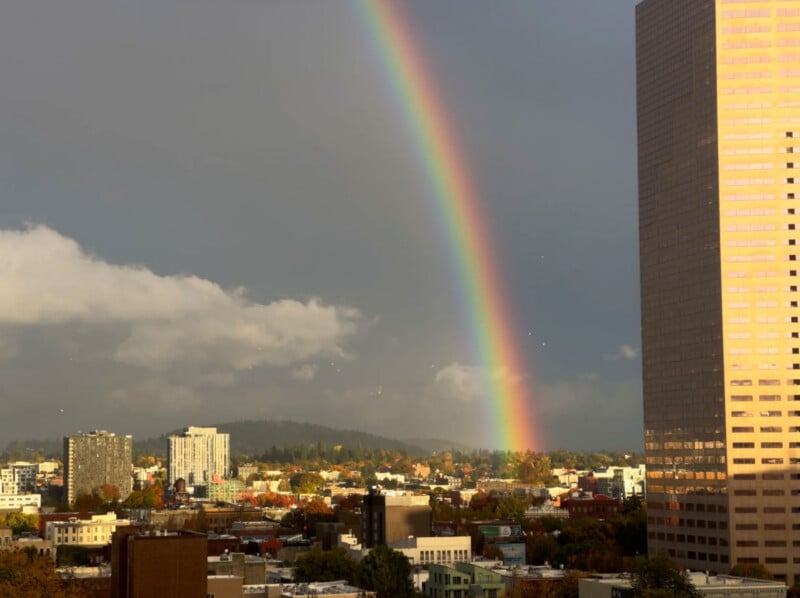
That said, Uncorrelated Contents has added a new shadow boost setting for RAW images that photographers can use to bring back a little bit more shadow detail, bridging the gap between RAW and ProRAW photos. There are three shadow boost settings: minimal, balanced, and high. The developer…