These Android settings look helpful — but slow your phone down

These Android settings look helpful — but slow your phone down
https://www.makeuseof.com/these-android-settings-look-helpful-but-slow-your-phone-down/
Publish Date: 2026-01-31 10:00:00
Source Domain: www.makeuseof.com
Android offers a ton of settings that sound smart and helpful. They promise to improve multitasking, battery life, and overall performance. For as long as I can remember, I assumed turning on these features was the correct way to use my phone. Later on, I realized my assumption was wrong.
Once I decided to dig into the settings and pay close attention to real-world performance, I realized that some of Android’s settings actually do the opposite of what they claim. No, they aren’t useless. Depending on how you use your phone, these settings might be quietly slowing it down. Thankfully, I discovered several Android settings that look helpful on paper but can hurt performance in real life.
Usage and diagnostic data
Helpful for developers, not always for you
Screenshot by Kanika Gogia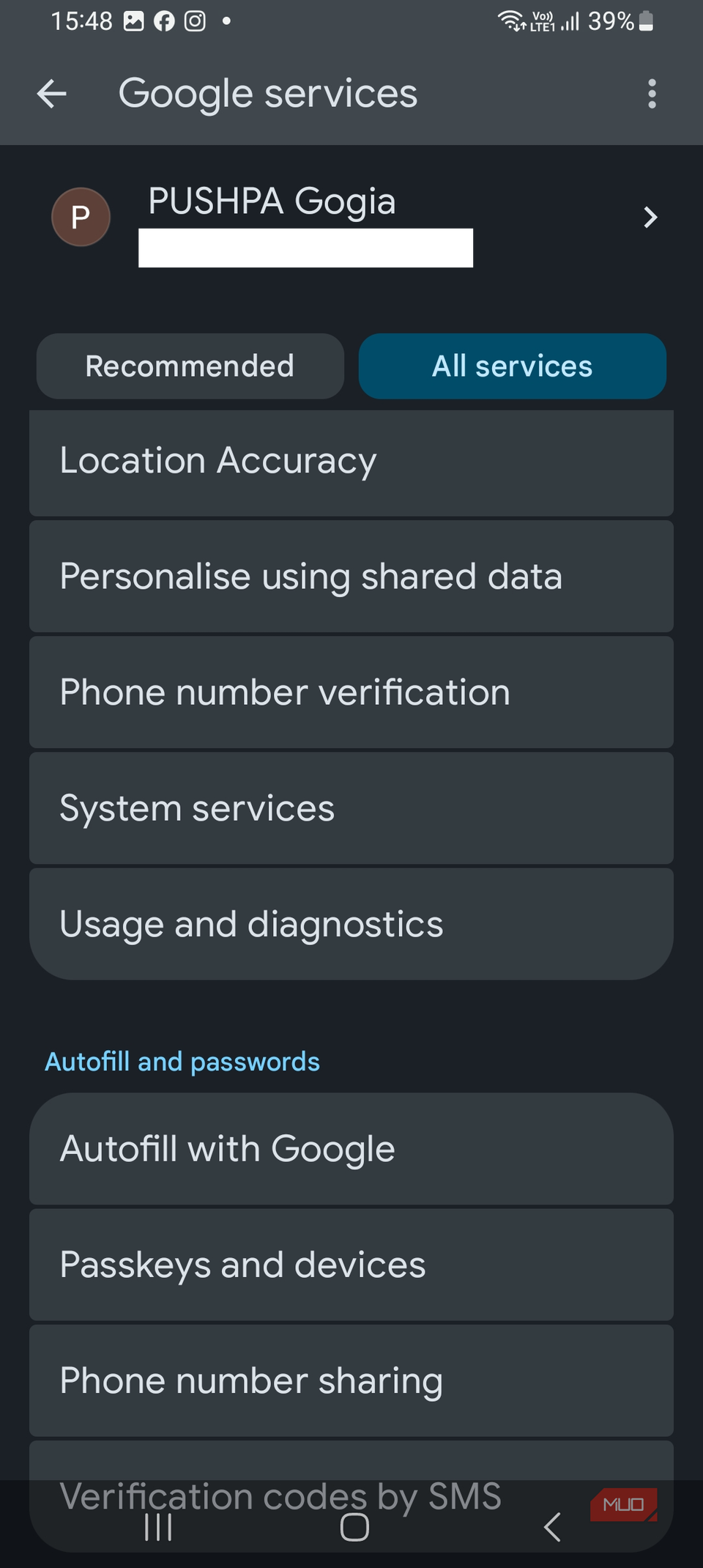 Screenshot by Kanika Gogia
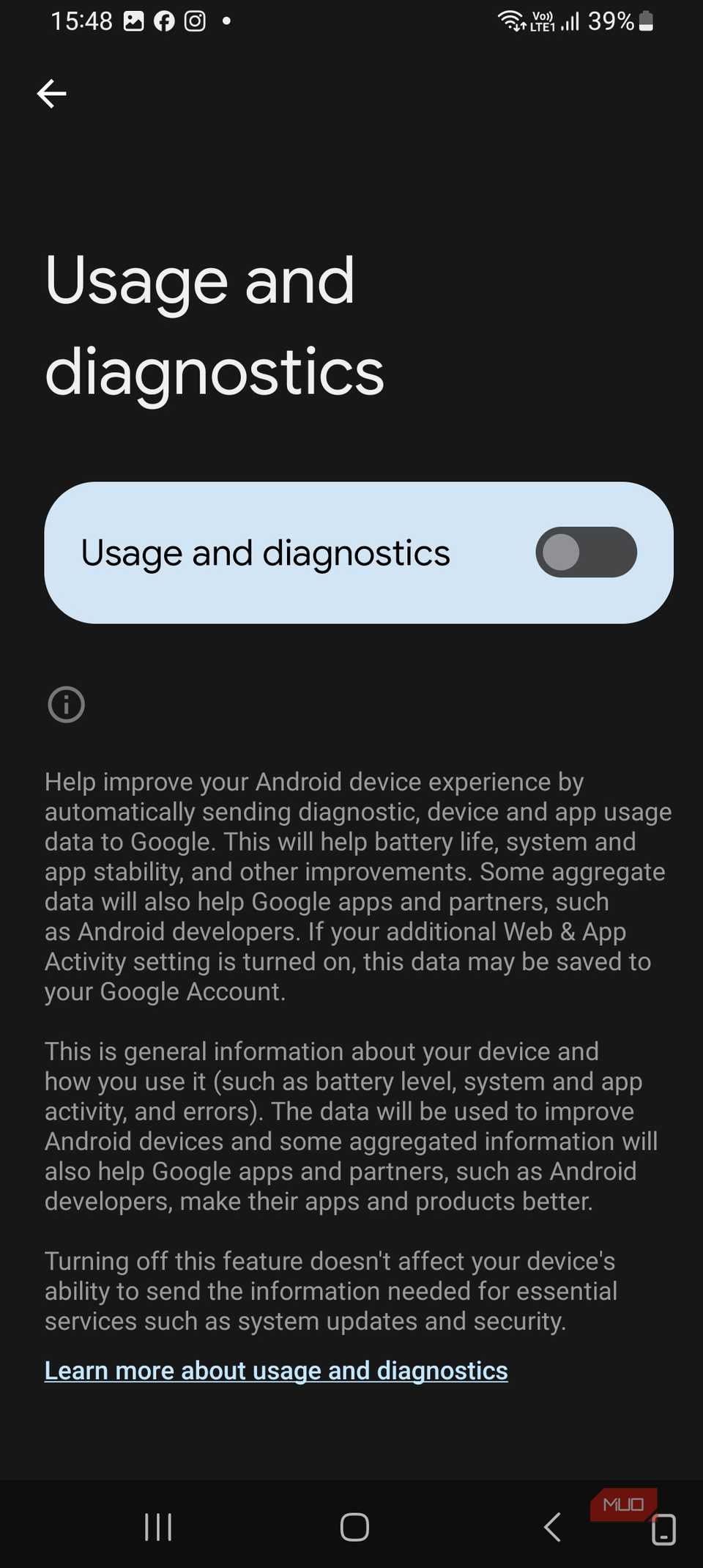 Screenshot by Kanika Gogia
Usage and diagnostic data are often sugar-coated to improve the user experience. It’s Android’s way of collecting information on how your phone behaves to help Google identify bugs, crashes, network quality, and system performance issues. When you enable this, your phone tends to receive more stable updates and fewer unknown bugs over time. That said, it has some downsides. Your phone constantly logs system behavior in the background.
If you’ve got a flagship or a newer model, the impact is minimal. However, if you’ve got an older or mid-range device, it can lead to unnecessary background processing. After limiting diagnostic data, I noticed smoother idle performance on my phone. If you want to troubleshoot a specific issue, you can leave it on. Otherwise, it’s one of those features that benefits developers more than users.
Nearby device scanning
Always working, even when you’re not
…
Source